
Schedule & Time
Coordinate phases, inspections and crews, then keep labor hours connected to the job they belong to.
BidBuild for Pool Contractors
One connected system for selling, building and servicing every project—from the first lead to the last warranty call.
Start with lead capture and Marketplace access. No card required.

Live job financials
Actual cost, contingency and markup stay visible while the job is open.
One System, Start to Finish
Protect the Margin
On a pool build, margin rarely disappears all at once. It leaks through a late supplier bill, an unpriced upgrade or a contingency nobody re-checked. BidBuild keeps each of those moments in the same job record, so the numbers move while the work is still happening.
Putting together a phased draw package? This guide covers what makes one read cleanly to a lender or an owner: How pool builders can prepare a phased draw package
See our full pool builder software
Learn about budget vs. actual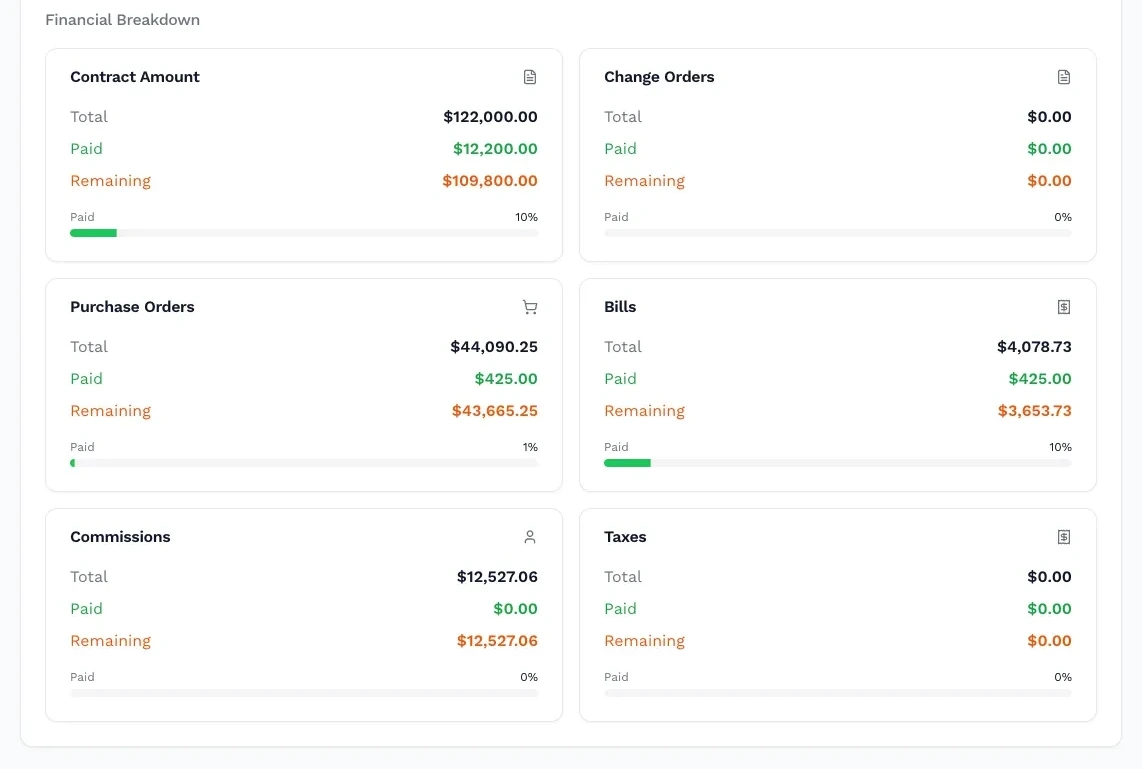
Outdoor Plus — Cazo fire bowl 24"
#OPT-24RFO
Sales With Context
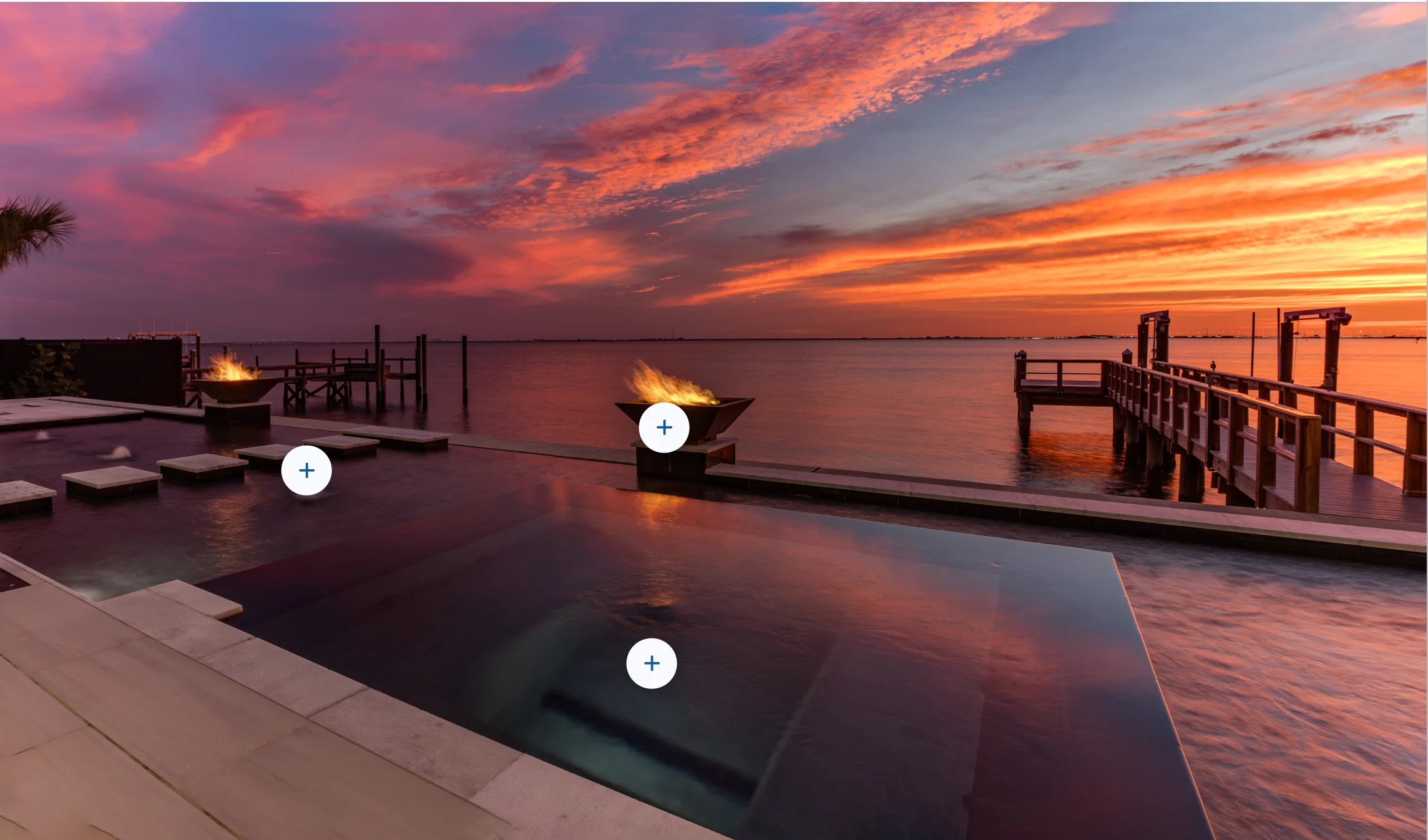
Interactive proposals bring products, pricing and project details together. BidBuild Scenes add photo galleries, hotspots, before-and-after views and video, while electronic signatures keep the agreement moving.
Present selections and project details visually.
Move an approved proposal toward a signed job.
Carry cost, contingency and markup into the proposal.
Keep the customer, agreement and resulting job together.
One Catalog Runs the Business
Products, categories and pricing do not disappear after the signature. The same catalog helps shape the job budget, purchasing, selections and installed-product history.
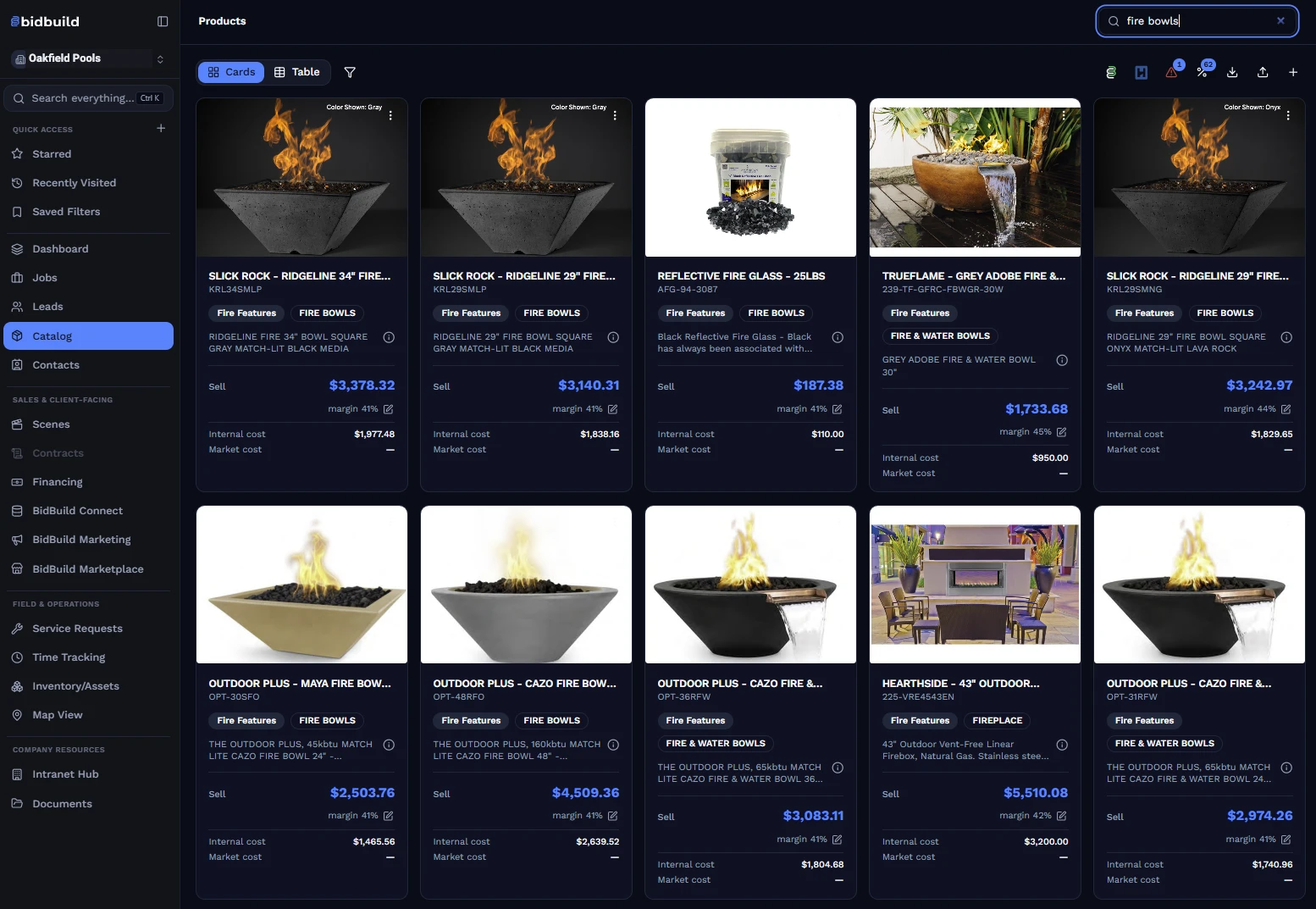
Build proposals from products, scope and pricing your team controls.
Turn approved scope into purchasing tied to job budget lines.
Carry selections and installed products through production.
Keep equipment details available after project completion.
Run the Work
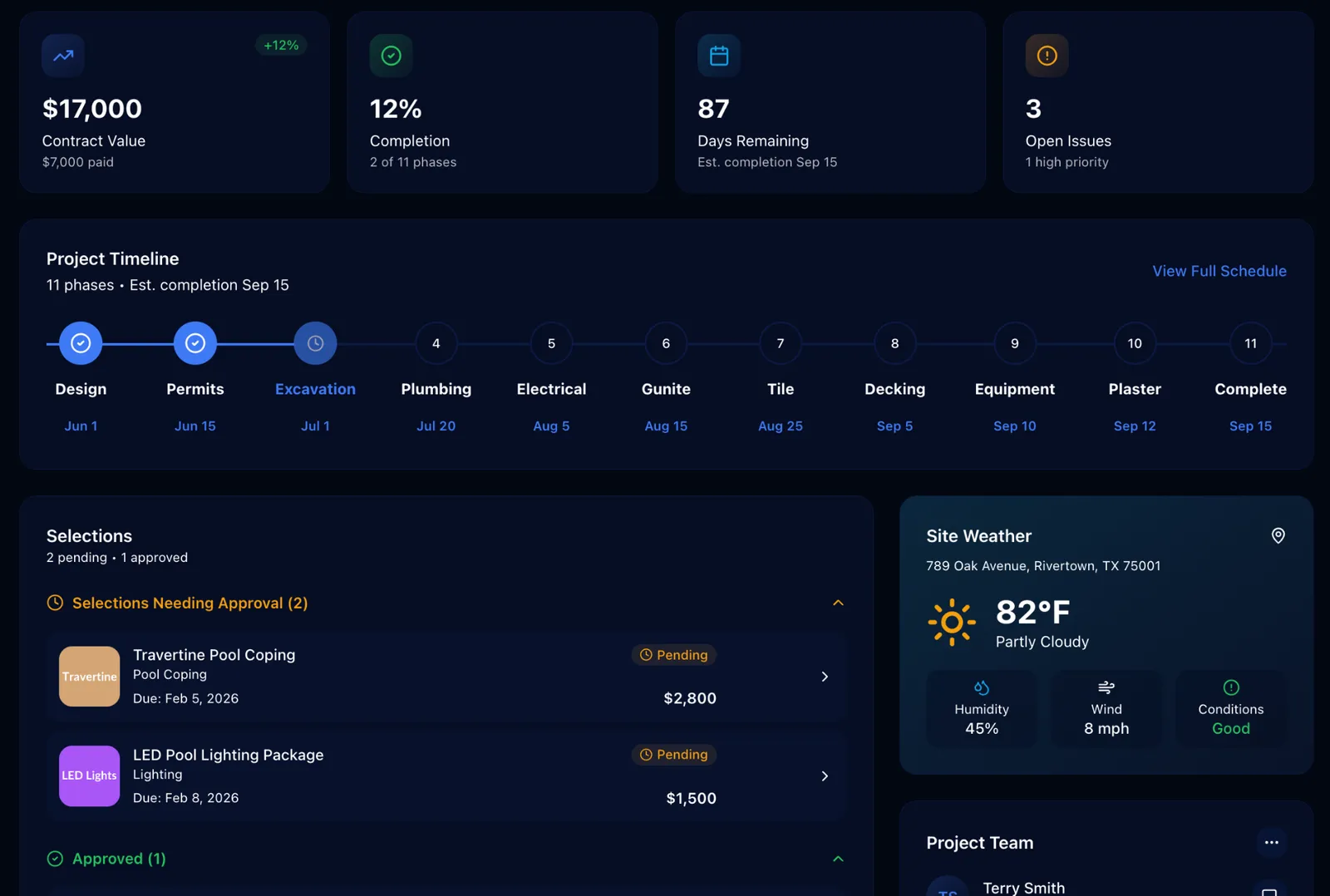
Schedules, job logs, budgets, purchasing, invoicing, inspections, RFIs, work orders, to-dos and selections stay connected instead of spreading across separate tools.
Compare BidBuild to ProcoreCoordinate phases, inspections and crews, then keep labor hours connected to the job they belong to.
Know what is in stock, what is assigned, and which equipment needs service before the crew arrives.
Carry installed products and project history into service requests, callbacks and long-term client care.
See active jobs and field activity together so office decisions reflect what is happening on site.
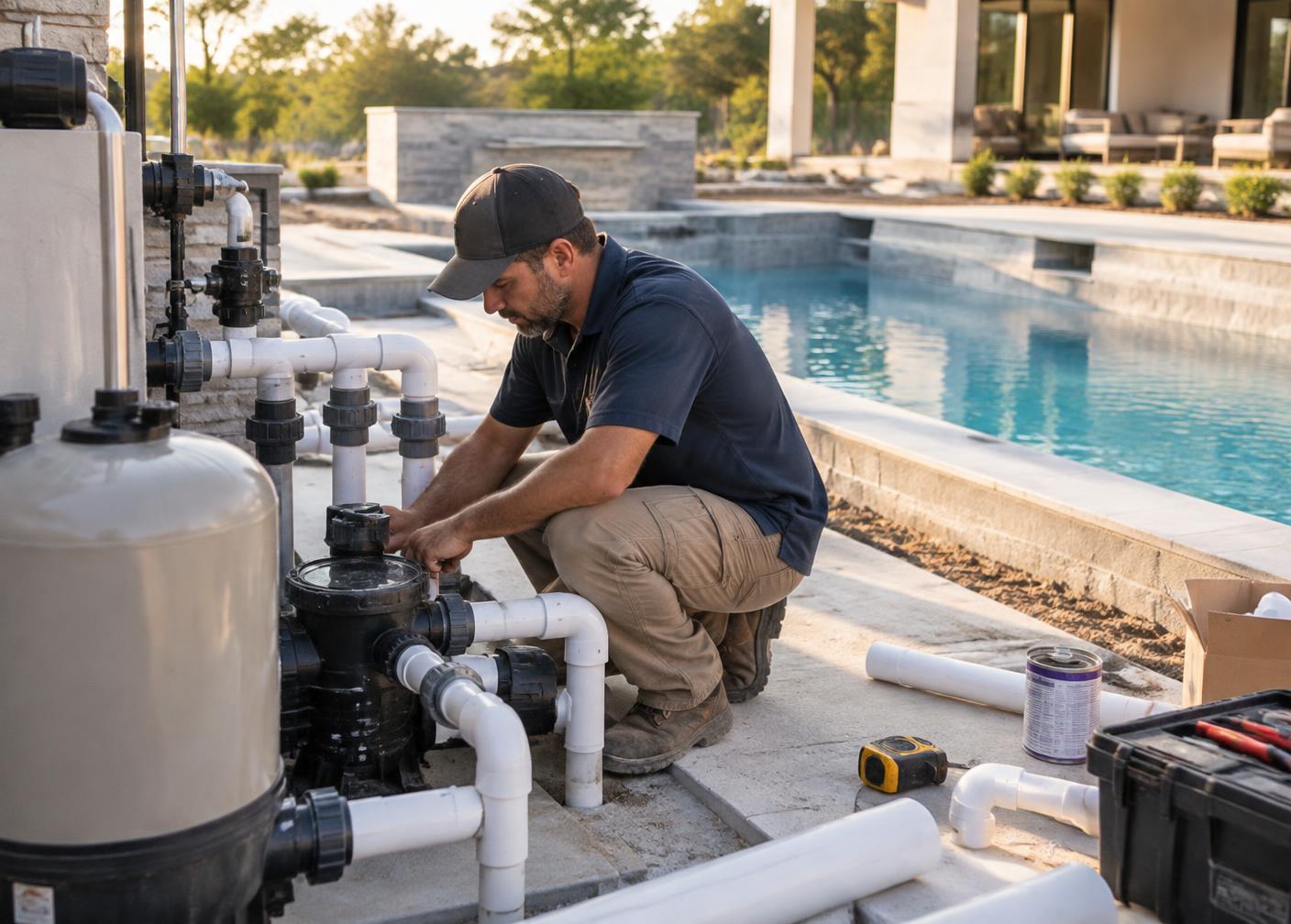
The job record becomes the history your service team needs: client details, installed products, photos, prior work and open requests.
See Job Management
Keep the Client Close
The Client Portal keeps schedules, invoices, selections, installed products and service requests in one branded place for the homeowner.
Beyond the Job
Bring campaigns, leads and follow-up into the same path that becomes a proposal and a job.
Learn moreGive your team one place for announcements, procedures, training and the way your company works.
Learn moreSend, sign and track agreements through BidBuild’s white-labeled SignNow integration.
Learn moreUse connected product catalogs and supplier pricing when available, including Heritage Pool Supply Group.
Learn morePool Builder Resources
See how live job costing catches margin erosion while there is still time to act.
Read article GuideUse a clear framework to protect contingency through changes and jobsite surprises.
Read article GuideWhat lenders and owners expect to see in a phased draw package, phase by phase.
Read articleLooking for homeowners who want a pool built? Get pool leads through LearnPools.
Sell the project, protect the margin, run the work and stay connected after completion.
Bid. Build. Better.