
BidBuild Training Center
The BidBuild Training Center is a free library of video tutorials and step-by-step guides for using BidBuild.
Building Our Training Library— missing something?Reach out
Start Here
All articles

BidBuild Dashboard Overview and Navigation
Take a guided tour of the BidBuild Dashboard and learn how to navigate every module from one central command center. This video walks through Lead Activity, Sales Budget & Income, Job Activity, Financial Activity, and Profit & Contingency. It also covers the left-hand menu. Use it to find leads, jobs, finances, settings, and admin tools quickly.
Related Documents

How to Customize Your Intranet Hub
Learn how to build and customize your Company Intranet Hub in BidBuild using the Intranet Hub Editor. First, you add sections such as Welcome, Announcements, Documents, Company Calendar, Team Directory, and Resources. Then you design each one with text, images, videos, iFrames, link cards, calendars, and dividers. You choose a one- or two-column layout. Finally, you set visibility by role (Everyone, Admin, User, or Technician), preview the hub, and save.
Related Documents

How to Add a New Lead
Step-by-step walkthrough of adding a new lead in BidBuild. You create a new client and enter contact and address details. Next, you fill out the opportunity form: title, territory, type, source, status, pipeline, and division. Then you assign primary and secondary sales agents. Last, you add forecasted revenue, tags, and notes, and save the lead to your pipeline.
Related Documents

Manage Proposal Templates
Learn how to build and customize proposal templates in BidBuild so every estimate looks professional and consistent. Start at Settings > Lead Related > Proposal Templates and open the Proposal Template Editor.
Related Documents

Product Catalog Management
Learn how to manage your product catalog in BidBuild so estimates always use accurate, up-to-date pricing. It covers the Catalog page in card and table views.
Related Documents
Managing Group Templates
Learn how to build and manage product group templates in BidBuild. Group templates make your common equipment, material, and labor bundles easy to add to any proposal or job.
Related Documents
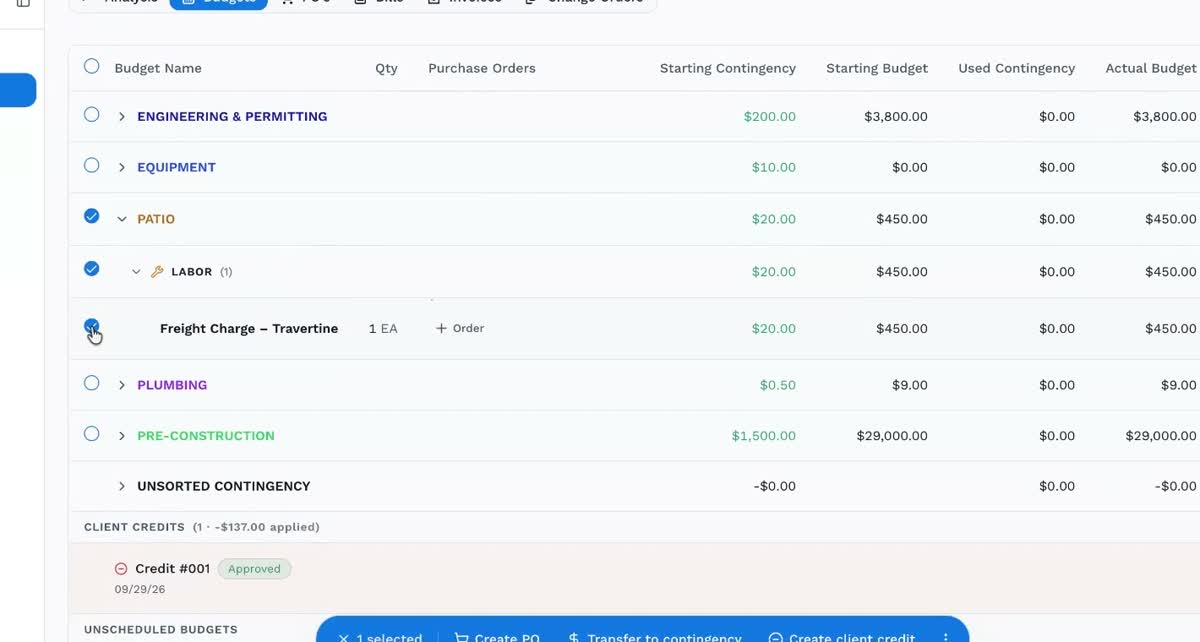
Creating Client Product Credits
Learn how to create and send a client credit for purchased products on a job. You select the budget item and set the credit amount and markups. Then you send it for client review. Once approved, you confirm the credit in invoices and the job budget.
Related Documents
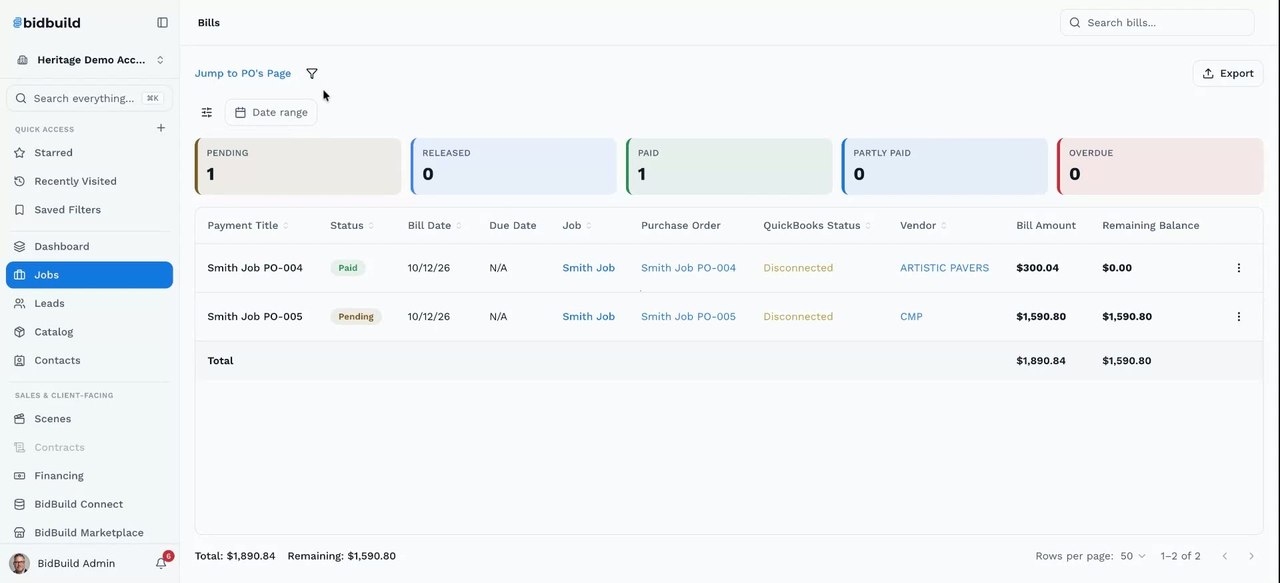
Create and Pay Bills from Budgets
Learn how to turn a budget line into a purchase order, convert an approved purchase order into a bill, and then send that bill to QuickBooks or mark it as paid. You select the budget items, choose the vendor, save the purchase order and approve it, then create the bill from it. The video also covers a quicker shortcut that creates the bill straight from the budget without a separate purchase order approval, and how to review all purchase orders and bills across jobs from the Jobs area.
Related Documents

How to Create and Share Scenes
Learn how to build and share interactive project galleries in BidBuild Scenes — your Virtual Showroom. You create a scene with photos and videos and add before/after sliders. You place product hotspots that link to catalog items. You arrange a carousel of project highlights. Then you share the scene with clients by link or in live presentation mode.
Related Documents
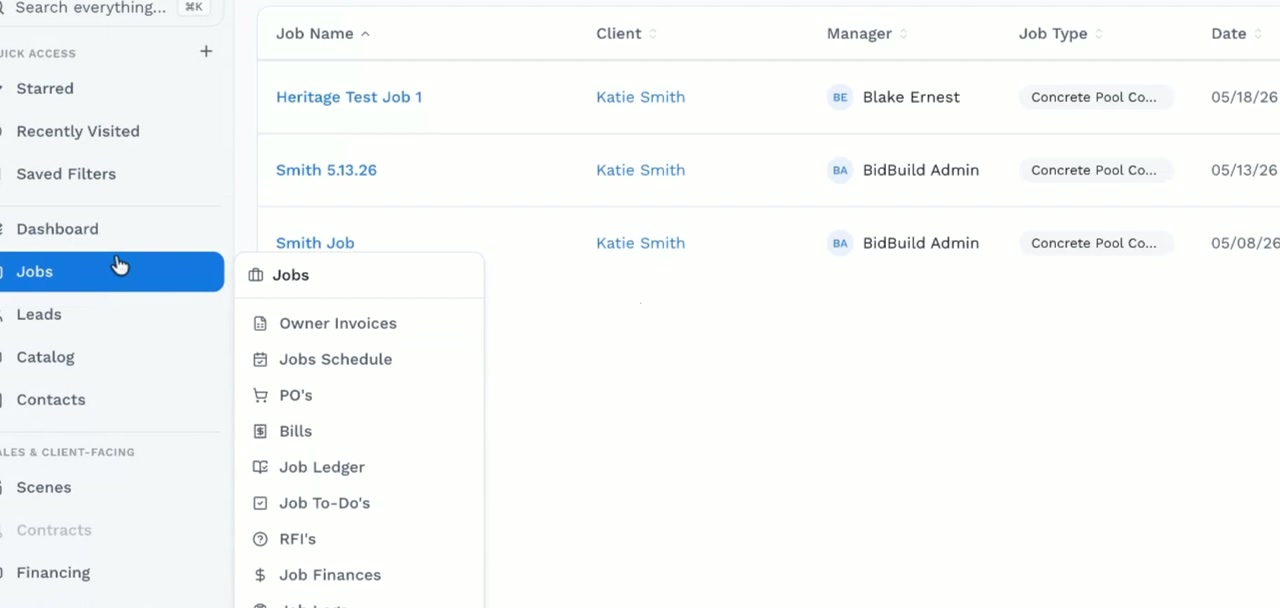
Order Heritage Products
Learn how to order Heritage products from a BidBuild job. This walkthrough covers selecting products, reviewing order details, and completing the purchase workflow.
Related Documents
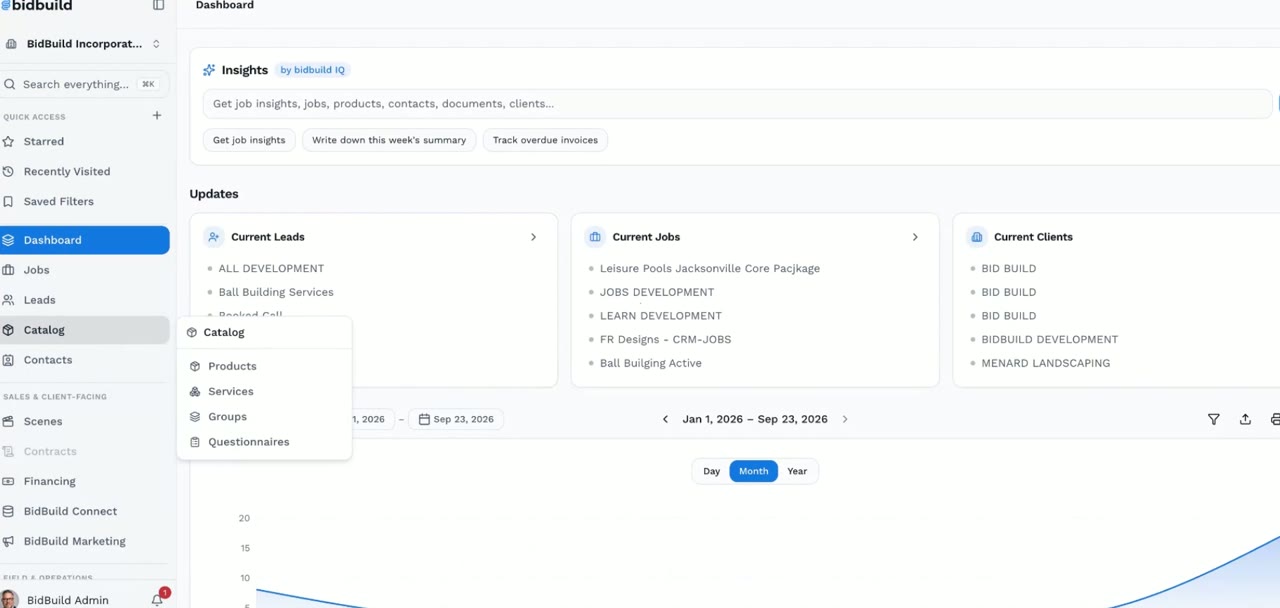
Import Heritage Products and Purchase
Learn how to search the Heritage catalog and import single products or a CSV. You map product details and buy in-stock items for a BidBuild job. The video covers cost codes, phases, manufacturers, vendors, and contingency. It also covers quantities, purchase orders, shipping, and approval options.
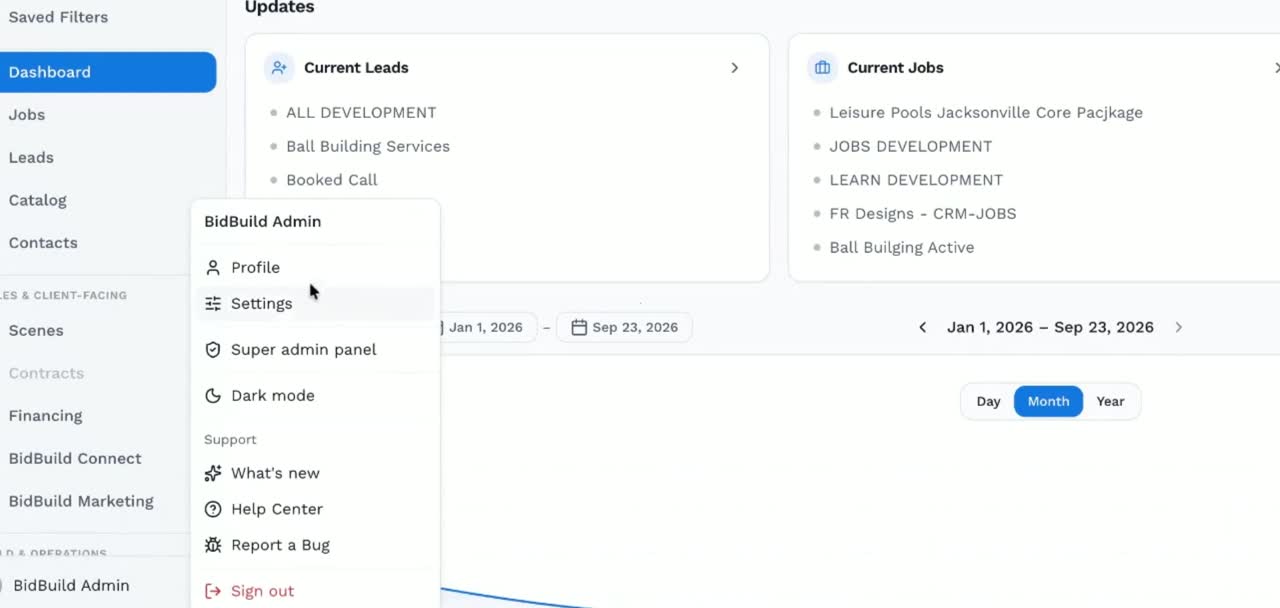
Connect the Heritage Pool Supply Integration
Learn how to connect Heritage Pool Supply with BidBuild. This walkthrough shows the integration setup process so your team can bring Heritage product and pricing information into its BidBuild workflow.
SignNow Integration Setup
Learn how to connect SignNow to BidBuild. Then you can send proposals, contracts, and change orders for e-signature without leaving your workflow. You link your SignNow account in BidBuild settings and choose a document. You place signature and initial fields and send it to clients. Signature status shows on the lead or job record.
Related Documents
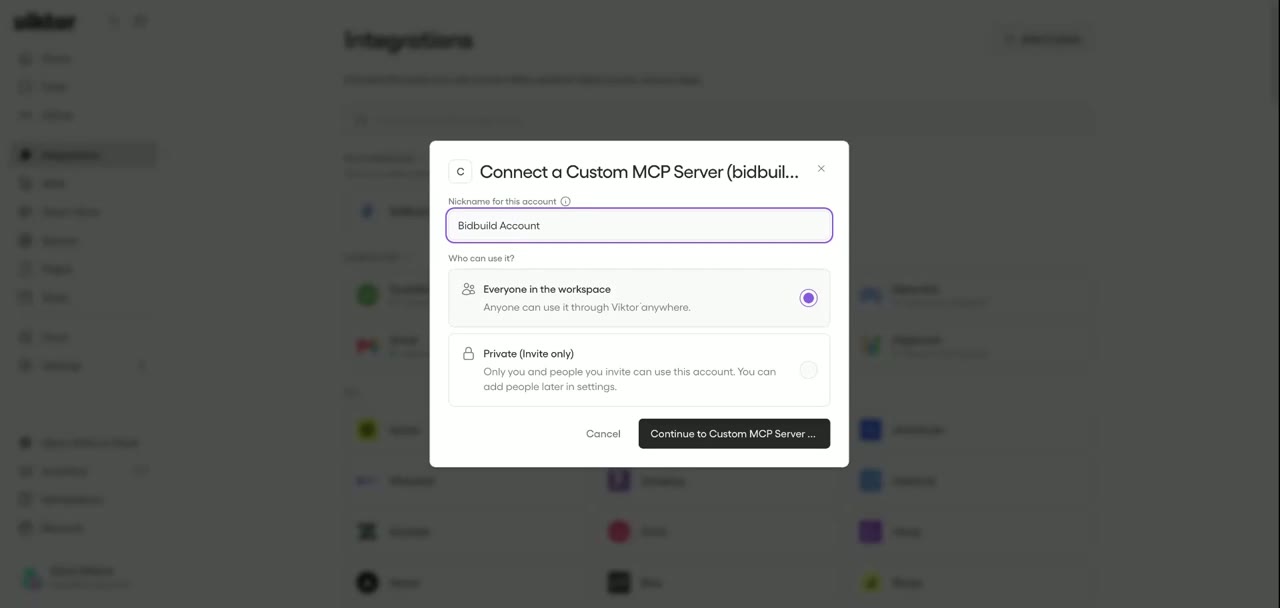
Connect BidBuild to Viktor via MCP
Learn how to connect Viktor to BidBuild using the BidBuild MCP server. You add a custom integration in BidBuild Admin and enter the BidBuild MCP server URL. Then you add your BidBuild API key in Viktor. Viktor can then work with your leads, jobs, and other BidBuild records.

Managing Roles & Permissions
Learn how to control what each team member can see and do in BidBuild. On the Roles & Permissions page, you set baselines for each role: Admin, User, and Technician. Baselines apply to every resource, such as Users, Leads, Activities, Products, Vendors, and Proposals. Per-user changes live on each user's profile for finer access control.
Related Documents
Settings Overview: Admin & General Configuration
Walk through BidBuild's Settings area and learn how admins configure the platform. It covers company settings: Basic Information, Company Logo, Business Type, Company Details, Integrations, AI Configuration, and Client Portal. It also tours the Configuration menu.
Related Documents
Still stuck? How do I get help?
Customers can open a ticket from Support inside the BidBuild app.
Get in Touch
Talk to a Real Person
Questions about training, setup, or your account? Reach us directly or book a one-on-one training session.