JB-26101
124 Example Palm Lane, Orlando, FL
Morgan Reed
On track
Platform · Jobs · Job Management
Organize jobs into Kanban boards based on their schedules. Monitor the details at a high level with Tracking, then use Timeline View to look back at historical job transactions during each phase.
Jobs / Example Florida projects · November 8, 2026
Illustrative figures · Fictional dataJB-26101
124 Example Palm Lane, Orlando, FL
Morgan Reed
JB-26102
208 Sample Oak Court, Tampa, FL
Jamie Parker
JB-26106
628 Demo Garden Place, Orlando, FL
Jordan Quinn
JB-26103
316 Demo Shore Drive, Sarasota, FL
Taylor Ellis
JB-26104
412 Example Fern Way, Naples, FL
Casey Lane
JB-26105
520 Sample Cove Road, St. Petersburg, FL
Avery Brooks
All customers, addresses and transactions are fictional. Example changes stay in this browser and never update a real project.
Set up your jobs around the scheduled phases of construction. Kanban columns give you a visual picture of where each job sits, from pre-construction and site prep through the work that follows.
Compare jobs across their phases, see time spent in the current phase and monitor targets, managers and what’s next. Spot the projects that need a closer look without opening every job record.
Timeline View brings historical transactions together by phase. Quickly find the to-dos, bills, purchase orders, time logs and invoices that tell the story of what happened during the project.
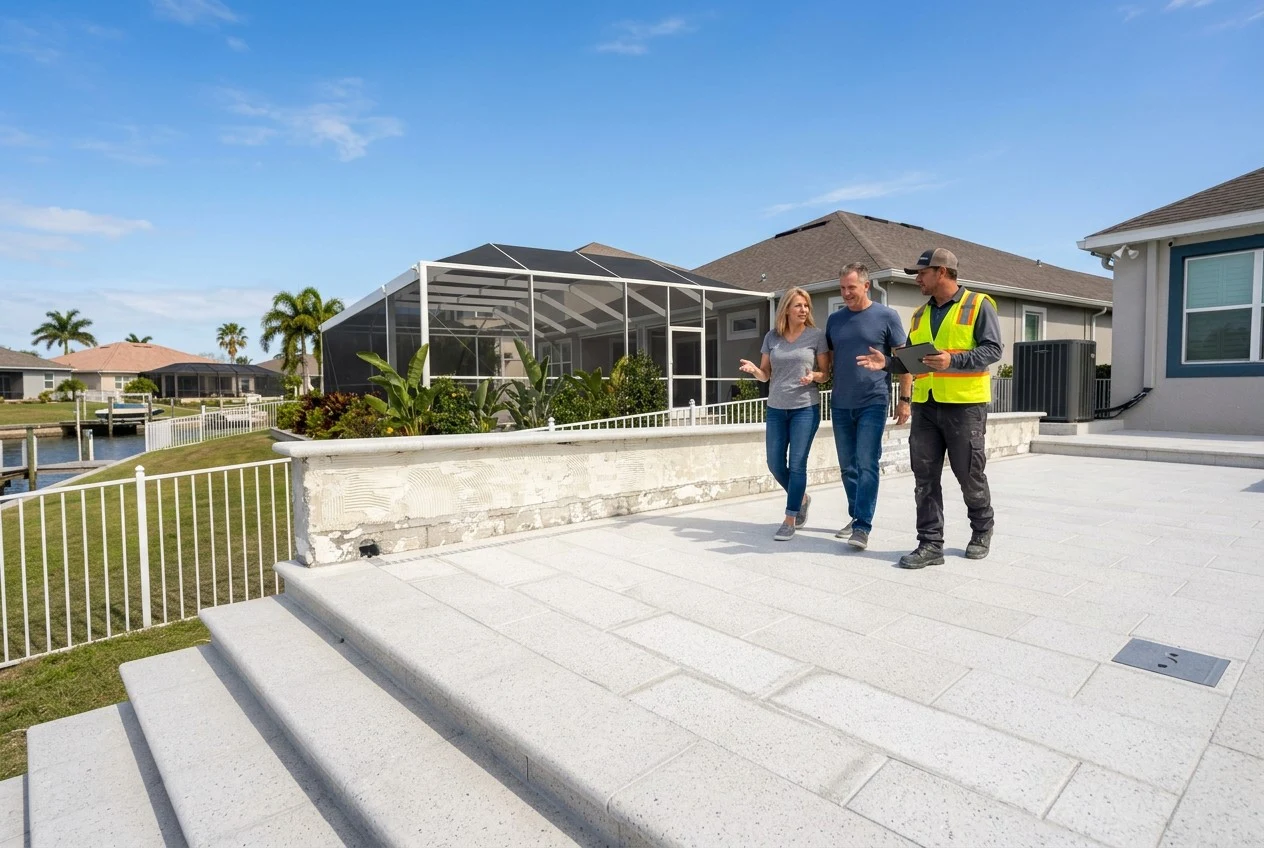
Keep your daily overview and project history in the same place. Your team can follow scheduled phases, monitor the work ahead and refer back to past transactions when a question comes up.
See Job Management in action