✦ BidBuild IQ · AI Specialists
Your office, backed by AI specialists.
Your data, held by BidBuild.
BidBuild IQ is a team of AI specialists that assist with estimating, ordering, billing, scheduling and follow-up, each handing off to your team for approval. BidBuild is the backbone that holds every proposal, budget, PO, and job log they work from.
Specialist Team
6 specialists on call · all data in BidBuild

Estimator

Buyer

Bookkeeper

Scheduler

Closer

Foreman
Activity ● Live
Estimator
Drawing › Takeoff › Proposal
Buyer
Budget › PO › Ship
Bookkeeper
Receipt › Bill › QuickBooks
Scheduler
Phase › To-do › Crew
Closer
Lead › Call › Signed
Foreman
Walkthrough › Log › Client
The backbone · BidBuild
✦ How to use BidBuild IQ for sales
Ask a sales question. Get the answer in seconds.
No exports, no spreadsheets. BidBuild IQ pulls your signed proposals, job types, and job costs, then answers in plain English.
- 1Pick a saved prompt or type your question. Like "How many pools did we sell January to March, how many were fiberglass, and what did we profit?"
- 2Watch each step as IQ reads proposals, sorts by pool type, and calculates profit.
- 3Change any step, like switching estimated margin to actual job costs, and re-run from there.
- 4Export the recap as a PDF or save it to Reports.
"How many pools did we sell January to March, how many were fiberglass, and what did we profit?"
Pools sold
38
Fiberglass
22
Profit
$412,600
Sample question with illustrative numbers.
✦ How to use BidBuild IQ for ordering products
Ask for a PO. Watch IQ build it.
Tell IQ what you need for the job. It matches items to the job budget, prices them, and drafts the purchase order for you to confirm.
- 1Type the request. Like "Create a purchase order for the Smith job, sending to Heritage Pool Supply for the pump, filter and lights."
- 2IQ finds the job, sets the vendor, and matches each item to the budget line.
- 3Fix any step, like picking the right filter, and re-run. IQ can remember the change.
- 4Confirm the supplier branch and ship-to address IQ suggests, then send.
"Create a purchase order for the Smith job, sending to Heritage Pool Supply for the pump, filter and lights."
PO
#1052
Items
3 lines
Total
$4,186
Sample prompt with illustrative job data.
✦ How to use BidBuild IQ for job tracking
Snap photos. Type one line. Review the job update.
No more digging through texts for site photos. IQ prepares the photos, phase, finish date and job log for your team to review and approve.
- 1Drop photos right into the prompt and type a quick note. Like "Upload these photos to the Smith job. We're in the tile and coping stage and will be completed by Friday."
- 2IQ files the photos to the job, tags them by phase, and moves the job to Tile & coping.
- 3It writes the job log from your note. Add anything it missed and re-run.
- 4Scheduler sets the finish date and lines up the next crew. Choose whether the client gets the update, then post.
"Upload these photos to the Smith job. We're in the tile and coping stage and will be completed by Friday."
Photos
6 filed
Phase
Tile & coping
Finish
Friday
Sample job update with illustrative data.
✦ How to use BidBuild IQ for scheduling
Change one job. IQ drafts the revised week.
When a job jumps the line, the Scheduler specialist drafts changes for every affected crew day, respects what can't move, and brings the plan to your team for approval.
- 1Tell IQ what changed. Like "Tile installation needed at the Smith job. Reschedule any other jobs that have tile for next week and make the Smith job the priority."
- 2IQ finds every job on the tile crew's calendar, and the Foreman specialist confirms the Smith site is ready.
- 3It builds a new week with Smith first. Fix any move, like keeping a job with a booked inspection, and re-run.
- 4Confirm, and IQ updates the schedule and texts the crew and affected clients.
"Tile installation needed at the Smith job. Reschedule any other jobs that have tile for next week and make the Smith job the priority."
Jobs moved
4
Kept
1 inspection
Crew texted
Yes
Sample schedule with illustrative jobs.
✦ How to use BidBuild IQ for estimating
Standing in the backyard? Price it before you leave.
Describe what the homeowner wants. The Estimator specialist picks the pool, measures pavers and screen, prices it from your price book, and gets a proposal and rendering going.
- 1Type what you hear. Like "I'm at Laura Johnson's house. She wants a Leisure pool with 4 ft of pavers, a screen enclosure, a heater, automation, and two lights."
- 2IQ finds the lead, picks the pool, and works out paver square footage and screen size.
- 3Change anything, like a bigger pool size, and re-run. IQ drafts the revised pricing for your review.
- 4Start a quick proposal she can sign today, and create a design rendering of her backyard.
"I'm at Laura Johnson's house. She wants a Leisure pool with 4 ft of pavers, a screen enclosure, a heater, automation, and two lights."
Pavers
612 sq ft
Screen
28 × 44 ft
Proposal
$71,950
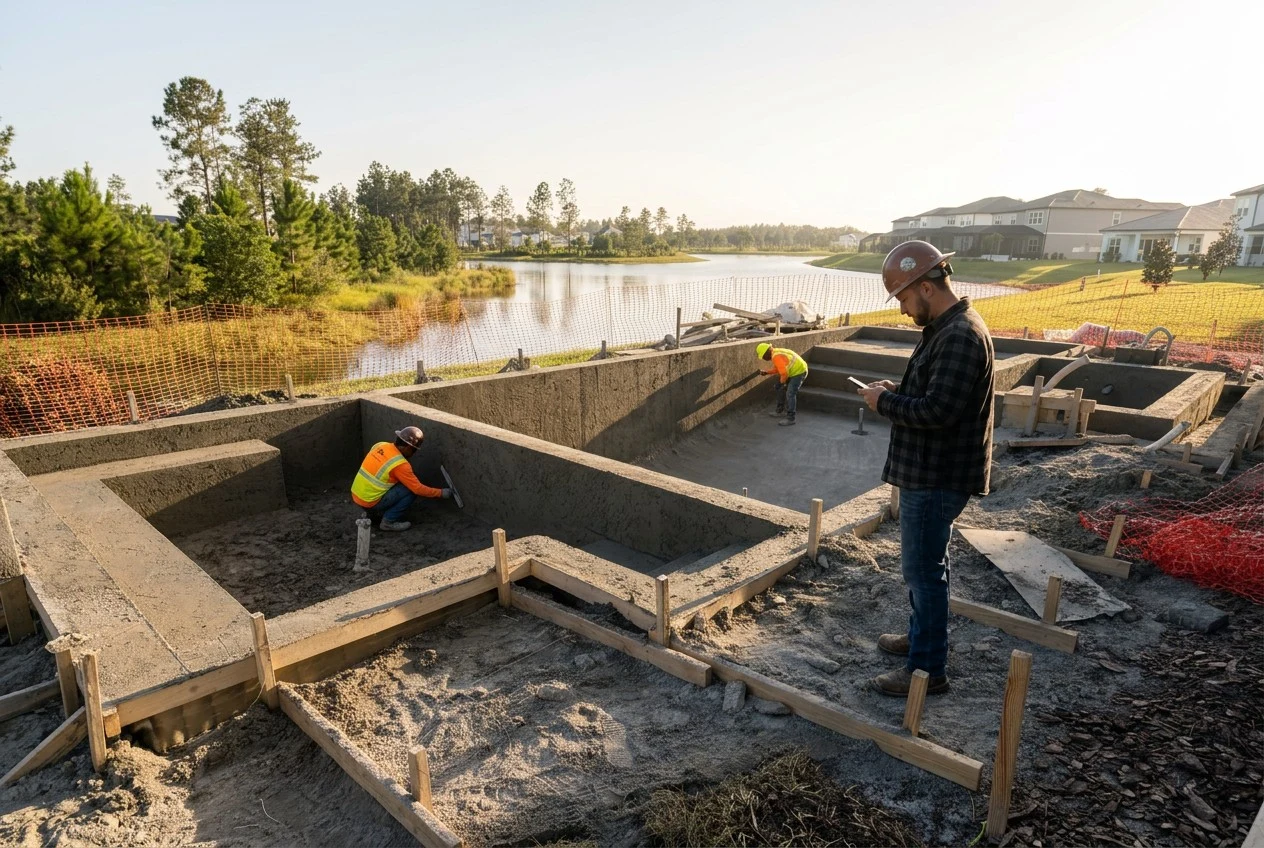
Sample estimate with illustrative pricing and an AI rendering.
✦ How to use BidBuild IQ for lead follow-up
Check in with every lead in one sentence.
The Closer specialist drafts a personal note to each active lead, skips anyone you just talked to, and prepares text or email follow-ups for your approval.
- 1Ask in plain English. Like "Send an update to all my active leads and see if they're still interested and how I can help."
- 2IQ pulls your active leads, checks each one's history, and skips anyone contacted in the last 48 hours.
- 3Review the message and add a line, like fall install slots filling up, then re-run.
- 4Send now or schedule it. Replies land right in each lead's timeline.
"Send an update to all my active leads and see if they're still interested and how I can help."
Active leads
41
Skipped
7 (48h)
Drafted
34 notes
Sample leads and messages are illustrative.
Meet the crew
Six specialists. Less admin.
Each specialist focuses on one part of the business, and every handoff lands in BidBuild.
Live todayThe Estimator
Drawings → proposal
Reads the plan, checks scope and quantities against the proposal, and flags exposure before you sign.
- Takeoffs from your drawings
- Scope checked against the proposal
- Exposure flagged before you sign
Rolling outThe Buyer
Budget → PO → order
Drafts purchase orders and supplier orders from job budget lines for your approval, then helps track delivery.
- Budget lines become draft POs
- Orders prepared for your approval on your supplier account
- Delivery tracked to the job
Live todayThe Bookkeeper
Receipts → bills
Matches each receipt and invoice to the right job and budget line, then drafts the PO and bill for your approval.
- Receipts matched to the budget line
- PO and bill drafted for your approval
- Synced to QuickBooks
Live todayThe Scheduler
To-dos & inspections
Drafts job to-dos and inspection sequences, helping your team plan the next phase.
- Job to-dos drafted by phase
- Inspection sequences prepared for approval
- Crew moves proposed for the next phase
Live todayThe Closer
Lead follow-up
Ranks your hottest leads every morning, drafts follow-ups, and brings your team the next follow-ups to approve.
- Hottest leads ranked each morning
- Follow-ups drafted for you
- Follow-ups ready for your approval
Live todayThe Foreman
Job logs & updates
Turns a jobsite walkthrough video into draft job logs, to-dos, and a client update for your approval.
- Walkthrough video becomes a draft job log
- To-do assignments drafted from the walkthrough
- Client update drafted for your approval
The backbone
Specialists are only as good as the data they work from
Other tools bolt AI onto scattered spreadsheets. BidBuild was built as the single source of truth for leads, proposals, budgets, purchasing, billing and job logs, which is exactly what specialists need to work without guessing.
- One record per job, from first lead to final invoice
- Specialists work from the same ledger your team uses
- Every action logged against the job
- Specialists draft; your team approves
✦ BidBuild IQ · AI Specialists
The backbone · BidBuild
Connections · Your ecosystem
✦ How BidBuild IQ works
Proprietary AI. A different kind of advancement.
BidBuild IQ is BidBuild’s proprietary AI technology — purpose-built for the way contractors work, not a general-purpose chatbot. It brings trained specialists, your business records and connected workflows together inside BidBuild, with governance, access control and your approval built in.
Orchestrator
Plans the work, picks the specialists, checks permissions
Jobs
Budgets, phases, job logs
Leads
Pipeline, follow-ups
Purchasing
POs, suppliers
Billing
Bills, draws, invoices
Scheduling
Crews, to-dos
Estimating
Takeoffs, proposals
Why it's more secure than a general AI chatbot
General tools like ChatGPT, Claude and others are built to answer anything for anyone. BidBuild IQ is built to do one company's work safely.
| Topic | General-purpose AI chatbot | BidBuild IQ |
|---|---|---|
| Where your data goes | Pasted into a public AI service outside your business | Stays inside BidBuild. Specialists work on your records where they live |
| What the AI knows | General internet knowledge, guesses at construction details | Trained specialists that know jobs, leads, budgets and POs |
| Who can see what | Anyone with the chat can ask about anything | Role-based access. A specialist only sees what that user can see |
| Changing records | Copy, paste and hope it's right | Every write needs your approval and is logged to the job |
| Audit trail | Chat history, if you saved it | Every step, edit and re-run recorded against the job |
Your data stays in BidBuild
Specialists run inside the platform. Your jobs, pricing and customers aren't shipped off to a public chatbot.
Small, specialized models
Purpose-built small language models (SLMs), hosted by BidBuild and trained for construction work: smaller, more focused and easier to govern.
Governance & access control
Permissions follow your team roles. Specialists can't read or change anything the user couldn't.
Human approval, full audit
Nothing is sent, ordered or billed without a confirm step, and every action is logged.
✦ BidBuild IQ
From people operating software to specialists doing the legwork
BidBuild IQ answers questions about your own data and drafts proposals, time entries and purchase orders through chat. Specialists prepare the work and bring your team the decisions for approval.
01
Connect
Bring leads, proposals, budgets and vendors into BidBuild.
02
Add specialists
Turn on the Estimator, Buyer, Bookkeeper and more.
03
Automate
Specialists prepare the handoffs; your team approves them.
04
Scale
Take on more jobs without adding office headcount.
Done-for-you specialist setup
We'll set up your AI crew for you
Most contractors don't have time to restructure the office while running jobs. The BidBuild team does it with you: we get your data organized, map how your business actually runs, and switch on the specialists that support your team in draft-and-approve mode.
- Workflow review: where your office time really goes
- Data cleanup and import: leads, proposals, budgets, vendors
- Specialists configured to your process, approvals and team
- Team training and a go-live check-in
- Ongoing tune-ups as you add specialists
Implementation plan
Week 1
CompleteDiscover
Walk through how leads, jobs, purchasing and billing flow today.
Week 2
CompleteOrganize
Clean up and load your data so BidBuild is the single source of truth.
- 3
Week 3
In progressDeploy
Turn on your first specialists with approval rules your team trusts.
- 4
Week 4
Up nextTrain & go live
Train the team, review results, and plan the next specialists.
What contractors say
Builders running their jobs on BidBuild
We love the contingency concept built into BidBuild — honestly, there's nothing about it we don't like.
T4 Fiberglass Pools
Pool Builder
Quick Proposals is what we use every day, and we love it.
Pools by Cory
Pool Builder
BidBuild's ability to run multiple companies has been a game changer for us.
Dymond Pool & Spa
Pool & Spa Builder
BidBuild has allowed us to track our projects better and understand exactly where our money is going.
ModernXscapes
Outdoor Living Contractor
The questionnaires have saved us so much time when quoting jobs — what used to take an hour now takes five minutes.
Leisure Pools of Sarasota
Pool Builder
This application has made our life in business so much easier.
RF Designs
Design & Build Contractor
We love the contingency concept built into BidBuild — honestly, there's nothing about it we don't like.
T4 Fiberglass Pools
Pool Builder
Quick Proposals is what we use every day, and we love it.
Pools by Cory
Pool Builder
BidBuild's ability to run multiple companies has been a game changer for us.
Dymond Pool & Spa
Pool & Spa Builder
BidBuild has allowed us to track our projects better and understand exactly where our money is going.
ModernXscapes
Outdoor Living Contractor
The questionnaires have saved us so much time when quoting jobs — what used to take an hour now takes five minutes.
Leisure Pools of Sarasota
Pool Builder
This application has made our life in business so much easier.
RF Designs
Design & Build Contractor