BidBuild for Pool Contractors
Pool Contractors
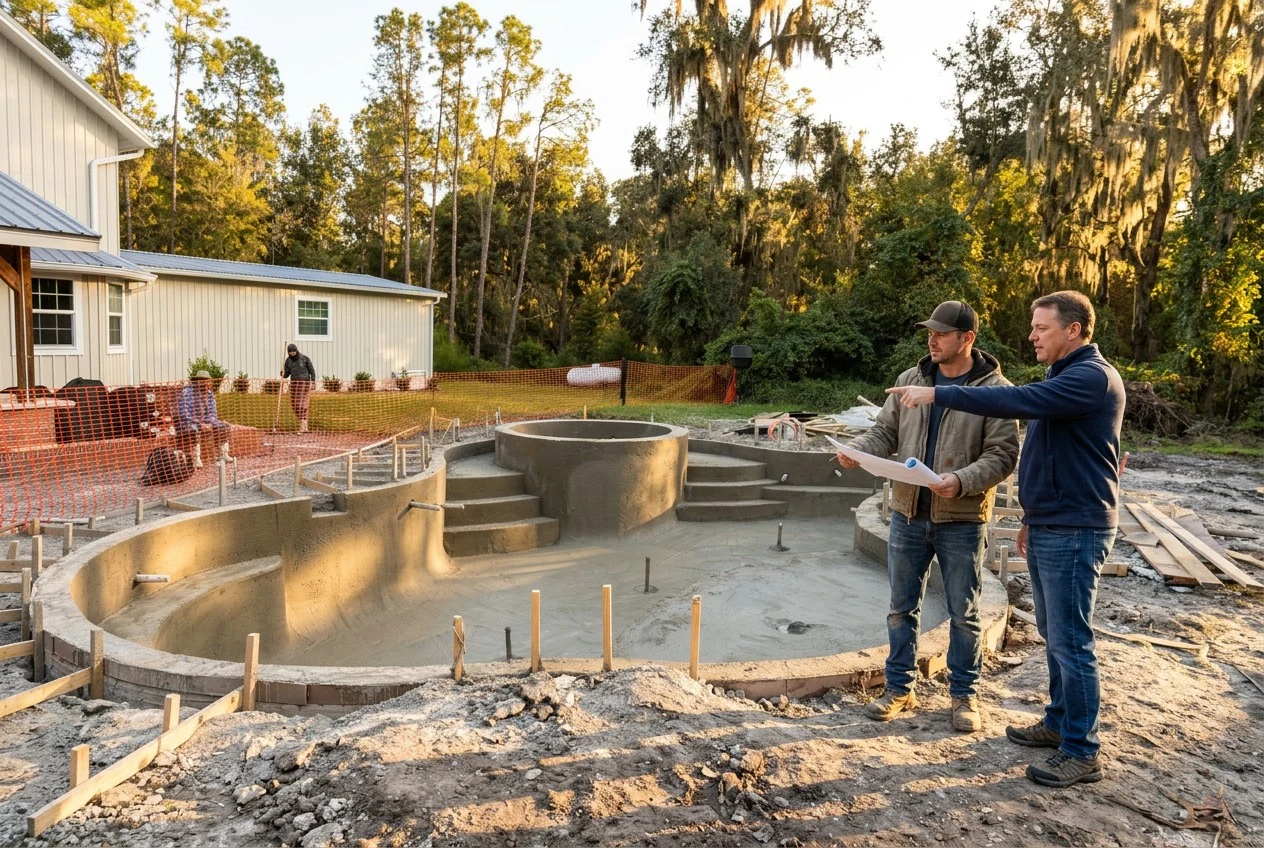
Know your profit before the pool is finished.
One connected system for selling, building and servicing every project — from the first lead to the last warranty call.
One system, start to finish
- 01Lead
- 02Proposal
- 03Job
- 04Budget
- 05Purchasing
- 06Construction
- 07Invoicing
- 08Service
Protect the margin
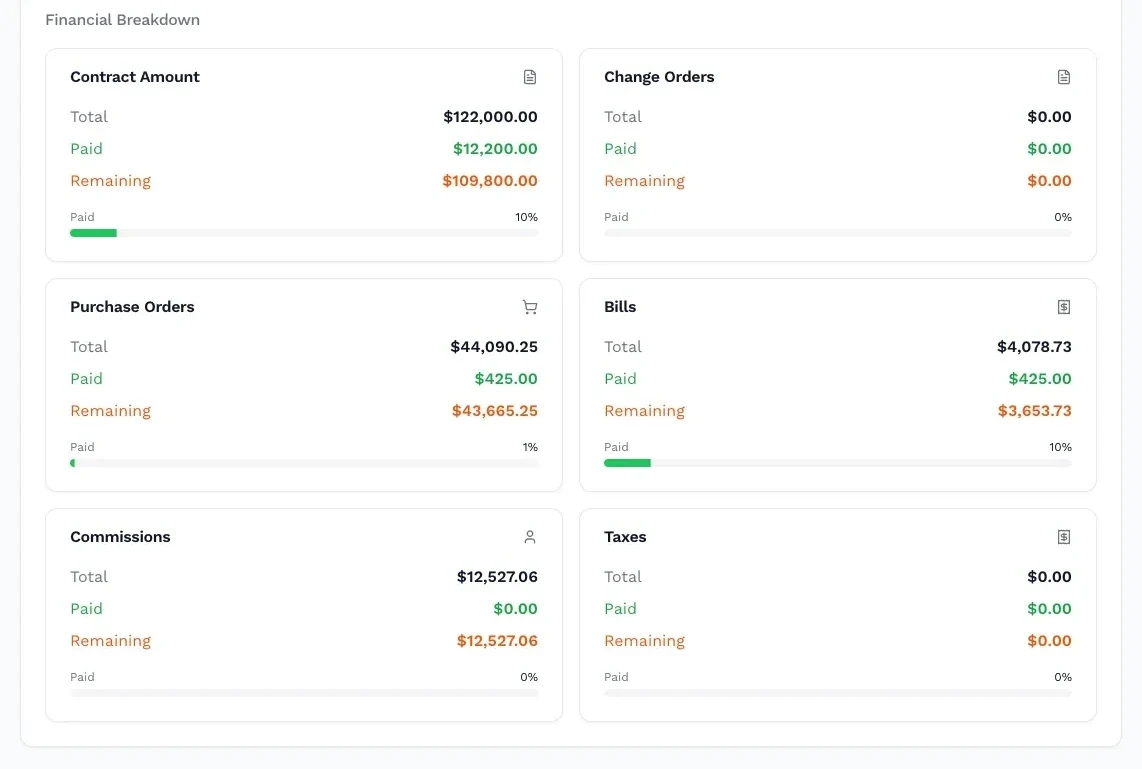
See the financial story while you can still change it.
A late supplier bill. An unpriced upgrade. A contingency nobody re-checked. Pool-project margins can leak through small decisions. BidBuild keeps the numbers connected while the job is still open, not just at closeout.
Budget from the bid
Each product item carries cost, contingency and markup into the proposal. The job budget starts from the numbers you sold.
Purchase order, then bill
Order equipment, steel and tile against job budget lines. Enter supplier bills against those orders and carry them through to QuickBooks.
Changes stay connected
Keep spa additions, finish upgrades and change orders in the same job record, with their budget and contingency.
Planned vs. actual
Compare budget, committed costs and billed costs while the build is open. Contingency can support discounts, with the remaining buffer carried into the job for overruns.
Pool Planner · Leisure Pools
A workspace for Leisure Pools installers and dealers.
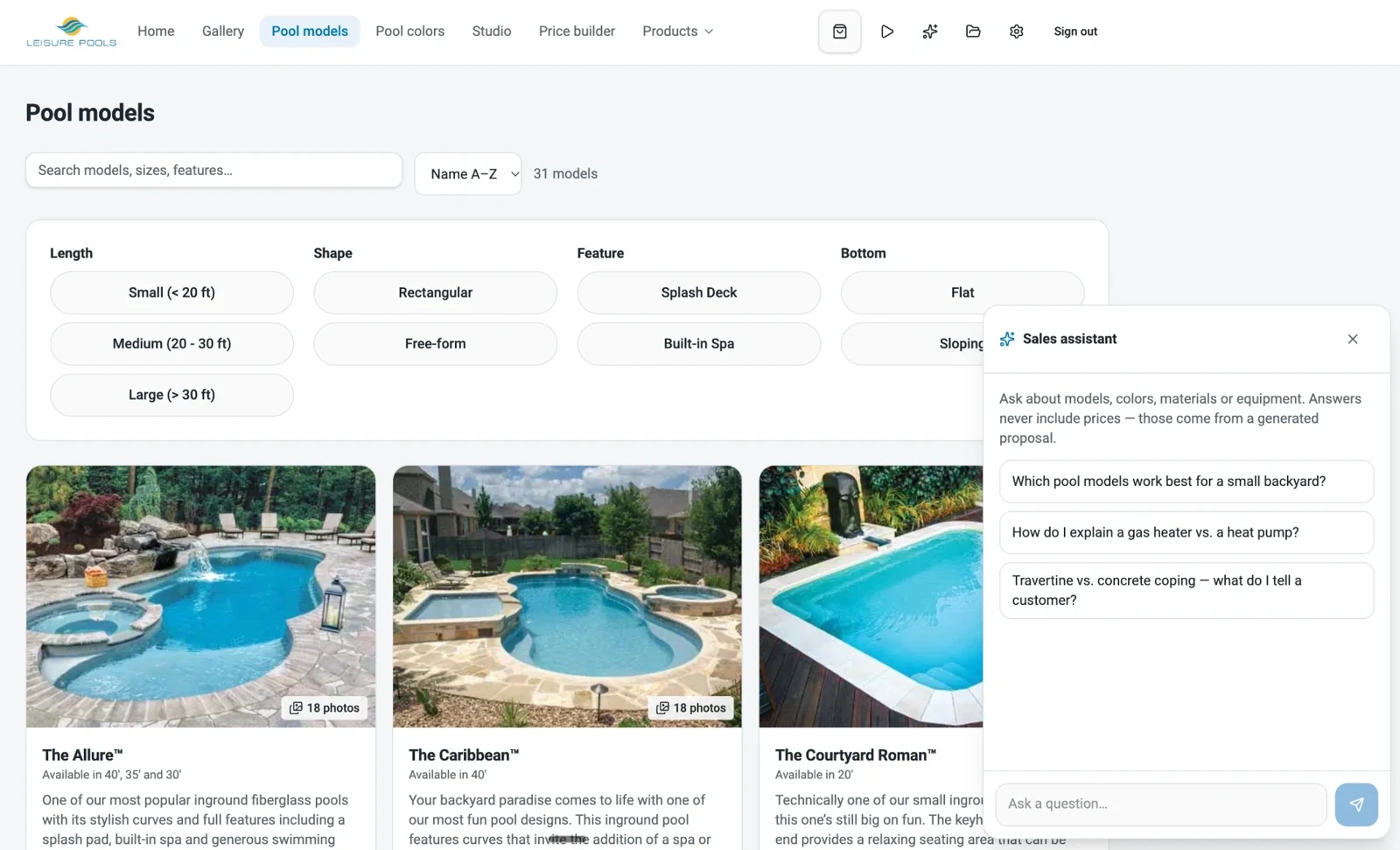
Explore models, price pools and discuss designs with your customers. Pool Planner brings product information and a built-in AI specialist into the same workspace to guide questions about models and options.
View products
Explore pool models, colors, materials and equipment.
Price pools
Work through the price builder. Product questions are guided by the AI specialist; prices come from the proposal.
Design pools
Give customers a space to explore designs and discuss their project.
Guide customers
Help customers understand models and options as they consider their new pool.
Sales with context
Show the vision. Price the scope.
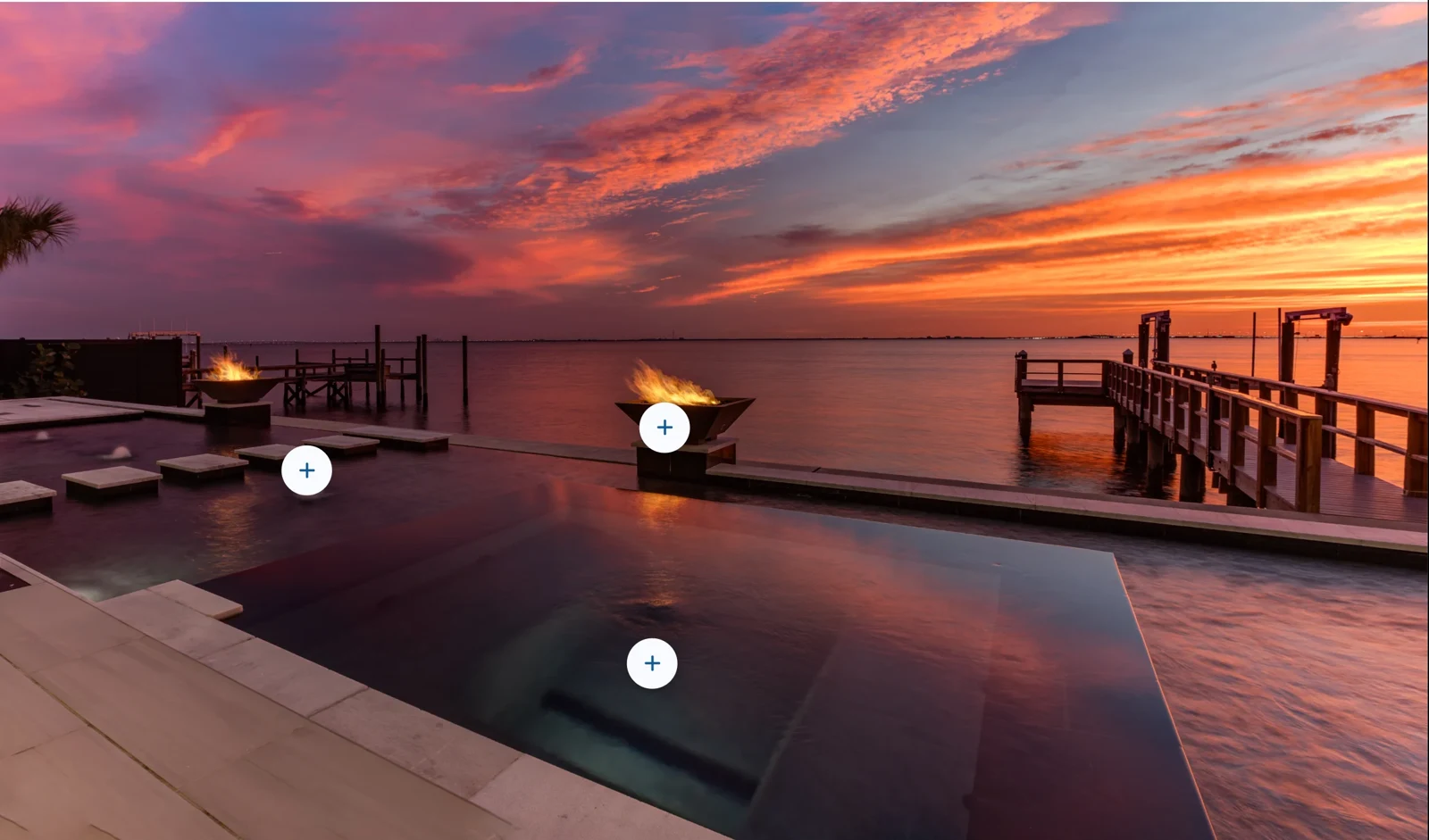
Interactive proposals bring products, pricing and project details together. With Scenes, homeowners can explore photo galleries, before-and-after views, 360 photos and catalog-linked hotspots through a shared link or QR code. Engagement insights help you understand what catches their attention.
Electronic signatures keep the agreement moving, while the customer, signed proposal and resulting job stay connected.
One catalog runs the business
What was sold becomes what needs to be built.
Products, selections and pricing do not disappear after the signature. Your catalog shapes proposals, budgets, purchasing and installed-product history.
Import products from the global manufacturer directory. With Heritage connected, access live product information and pricing, then use the sync tool to update catalog prices when they change.
Explore catalogs and supplier pricing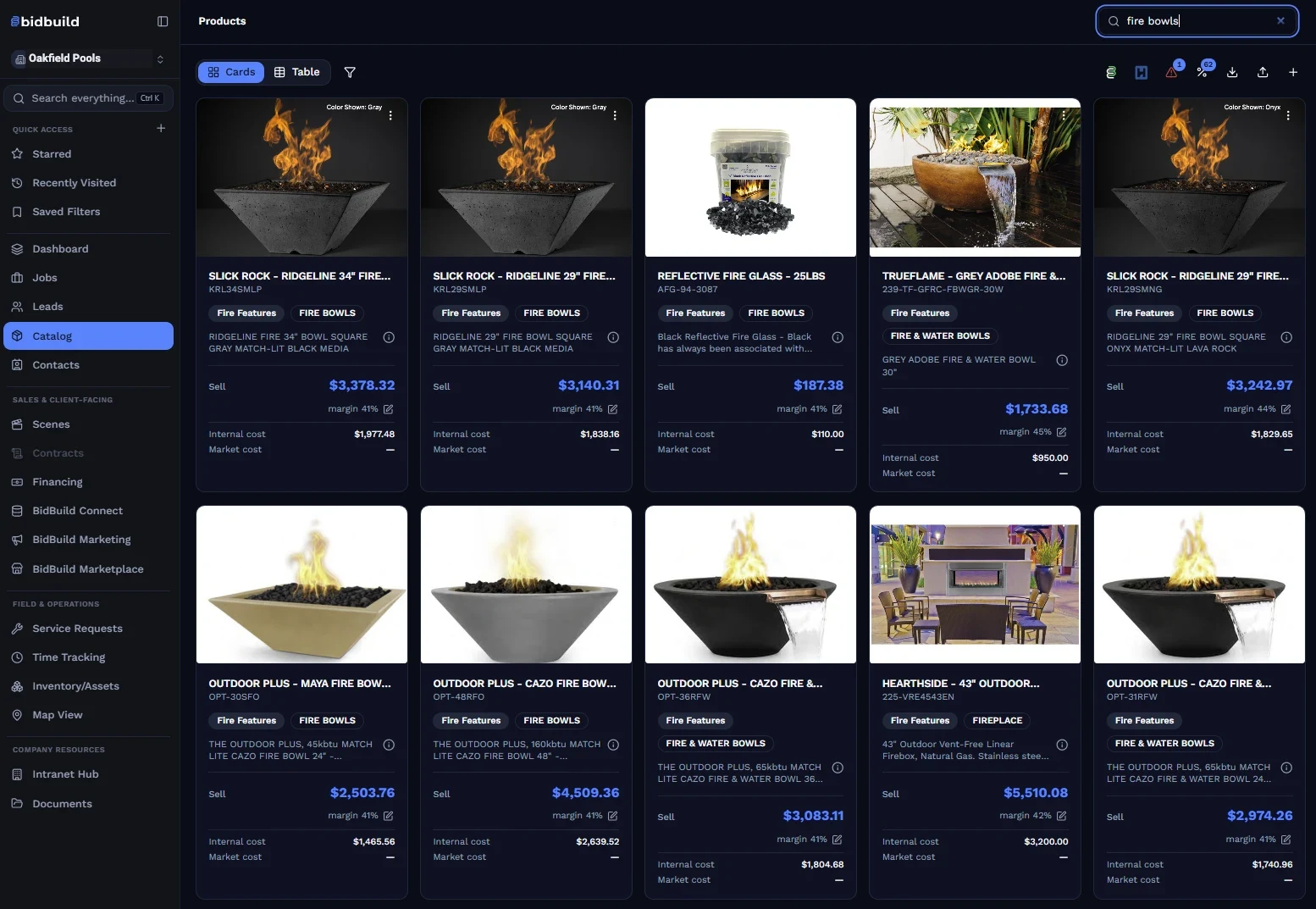
- 01
Sell
Build proposals from your products, scope and pricing.
- 02
Buy
Tie approved purchasing to job budget lines.
- 03
Build
Carry selections and installed products through production.
- 04
Service
Keep equipment details available after completion.
Support the work
The office and field work from the same job.
Schedules, logs, budgets, purchasing, invoices, inspections, RFIs, work orders, to-dos and selections stay connected instead of spreading across separate tools.
Schedule & time
Coordinate phases, inspections and crews, and keep labor hours connected to the right job.
Learn moreInventory & assets
See stock, assigned equipment and items held for sold jobs before crews arrive.
Learn moreService & warranty
Clients scan an equipment-panel QR code to find installed products and request service or warranty work.
Learn moreProject records
Keep photos, client details, prior work and open requests available from construction through the last warranty call.
Learn more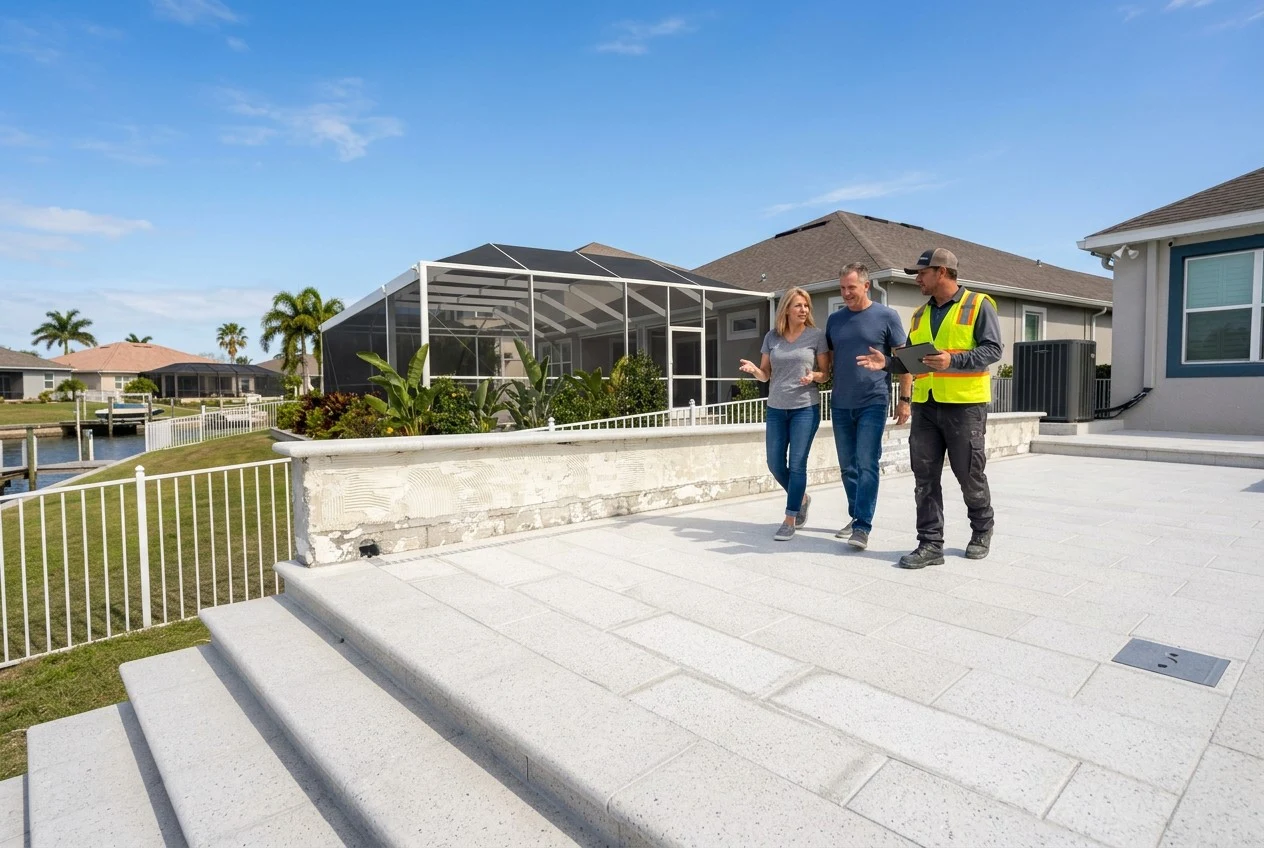
Keep the client close
A clear view without another status call.
Your branded Client Portal gives homeowners one place for schedules, invoices, selections, installed products and service requests. Keep project information close to the people whose backyard you are building.
Explore BidBuild Connect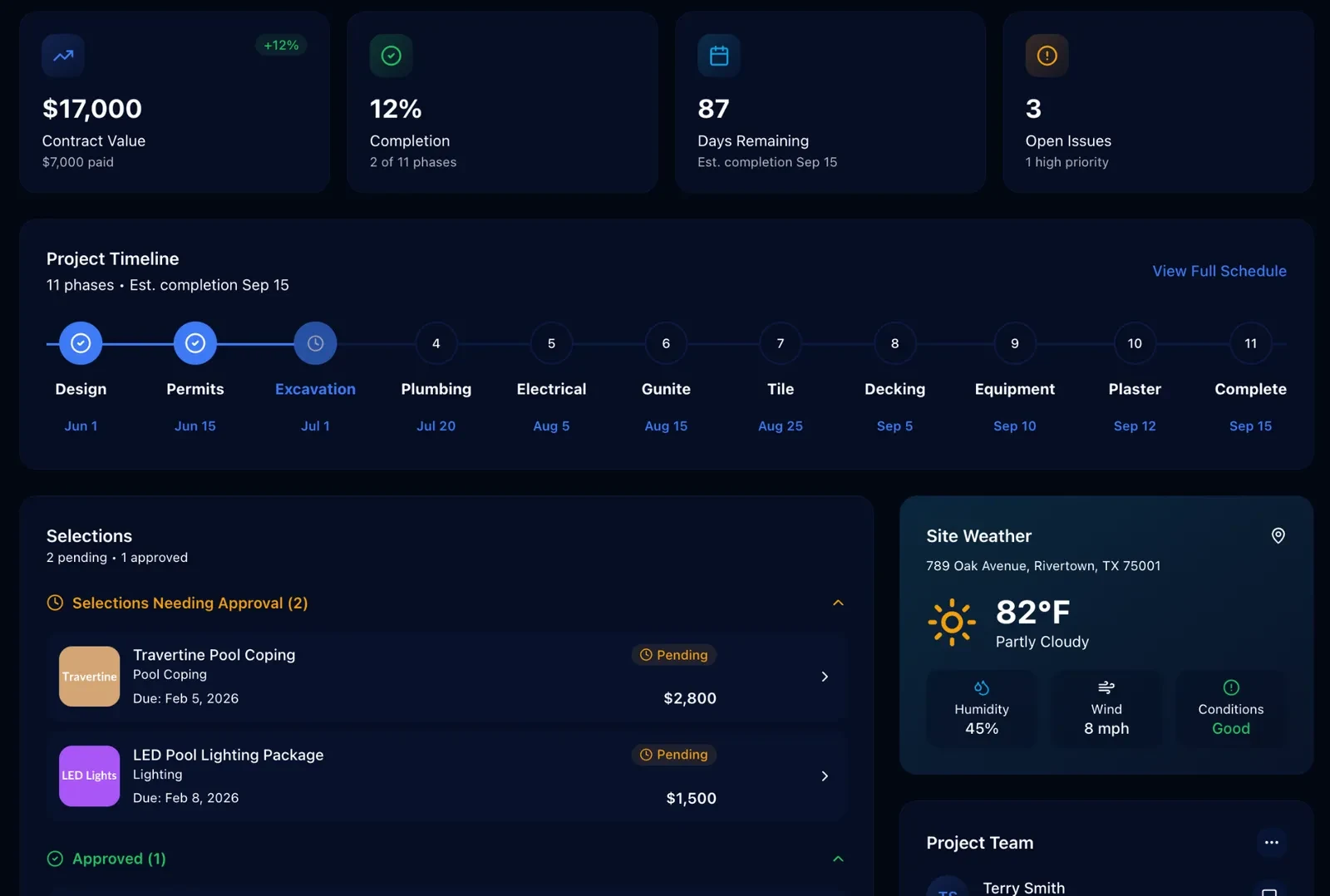
Your pool business, backed by BidBuild IQ.
BidBuild’s proprietary AI technology brings six specialists into your workflow for estimating, ordering, billing, scheduling, follow-up and field work. They operate inside BidBuild and through Slack. You review and approve before anything goes out.
Meet the specialistsMarketing & lead generation
Bring campaigns, leads and follow-up into the path that becomes a proposal and a job.
See our BidBuild marketing packagesIntranet Hub
Keep procedures, training and team announcements in one company home base.
Explore the hubPool builder resources
Run your pool business on one system, not a stack of them.
Sell the project, protect the margin and stay connected after completion.