
Integrations
Integrations training is the set of BidBuild videos and step-by-step guides covering Connect the Heritage Pool Supply Integration, SignNow Integration Setup, Connect BidBuild to Viktor via MCP and Managing E-Sign Forms and Signatures.
Videos and guides
Connect the Heritage Pool Supply Integration
Learn how to connect Heritage Pool Supply with BidBuild. This walkthrough shows the integration setup process so your team can bring Heritage product and pricing information into its BidBuild workflow.

SignNow Integration Setup
Learn how to connect SignNow to BidBuild. Then you can send proposals, contracts, and change orders for e-signature without leaving your workflow. You link your SignNow account in BidBuild settings and choose a document. You place signature and initial fields and send it to clients. Signature status shows on the lead or job record.
Related Documents
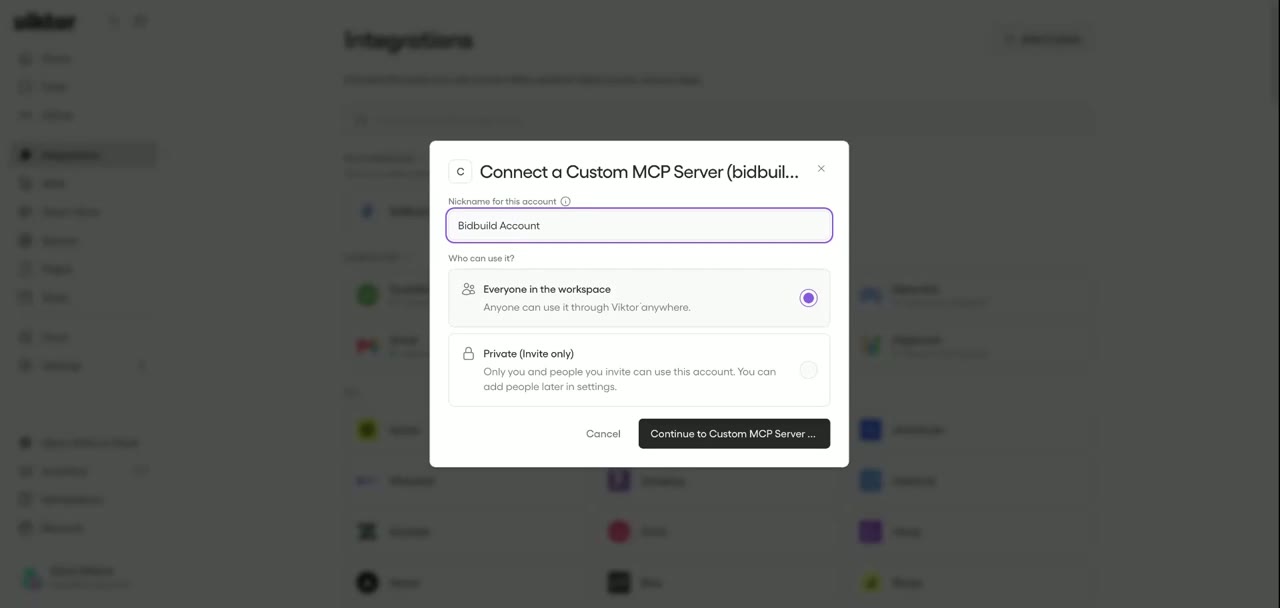
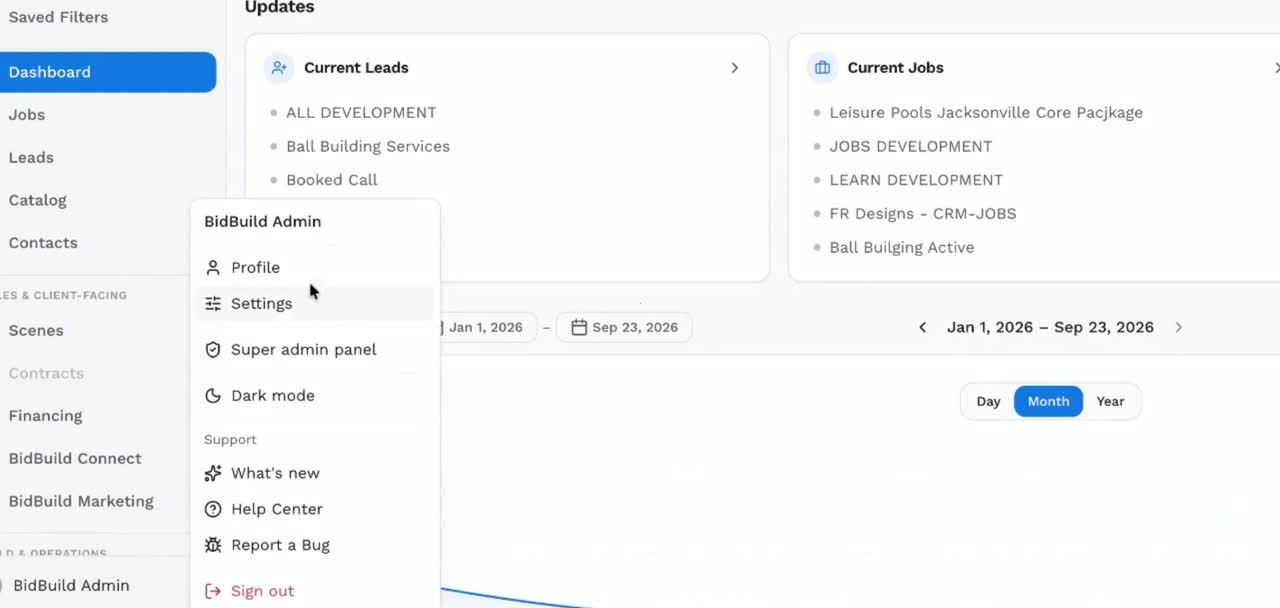
Connect BidBuild to Viktor via MCP
Learn how to connect Viktor to BidBuild using the BidBuild MCP server. You add a custom integration in BidBuild Admin and enter the BidBuild MCP server URL. Then you add your BidBuild API key in Viktor. Viktor can then work with your leads, jobs, and other BidBuild records.

Managing E-Sign Forms and Signatures
Learn how to manage e-signatures and forms in BidBuild. You connect SignNow or purchase signature credits, upload a form and attach it to a lead or job, add recipients, place signature and text fields, send the document for signature, and organize completed forms into folders. Forms sent on a job are also available from the job record.
Related Documents
Still stuck? How do I get help?
Customers can open a ticket from Support inside the BidBuild app.
Get in Touch
Talk to a Real Person
Questions about training, setup, or your account? Reach us directly or book a one-on-one training session.