Job Site / Field Tools · 5 min read
NFC Job Tags: How a Single Tap Saves Contractors Hours Every Week
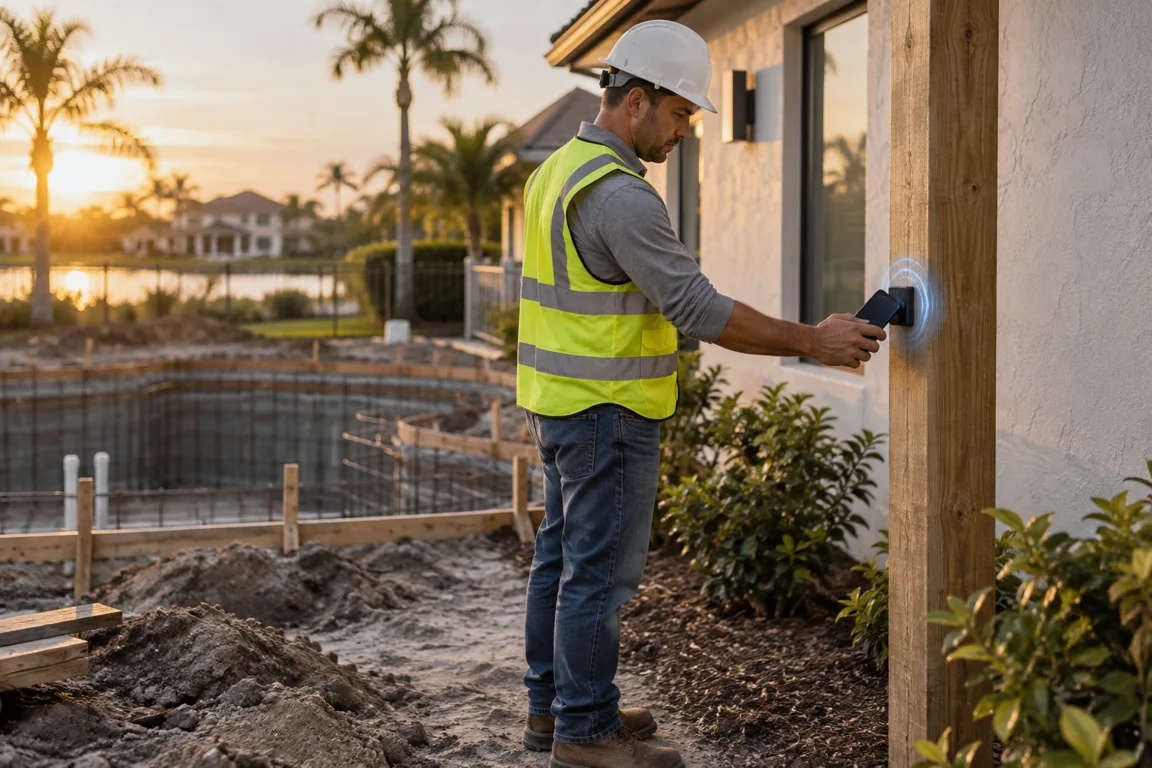
One tap brings the job to the crew, right where the work happens.
Every contractor knows the call. A crew member is standing in a backyard and can't find the latest plans. The pool shell is dug, the plumber is waiting, and someone has to phone the office, who has to dig through email, who has to text a PDF back. Ten minutes gone. Multiply that by every question, on every job, every day.
The problem usually isn't the people. It's that the information lives in one place and the work happens in another.
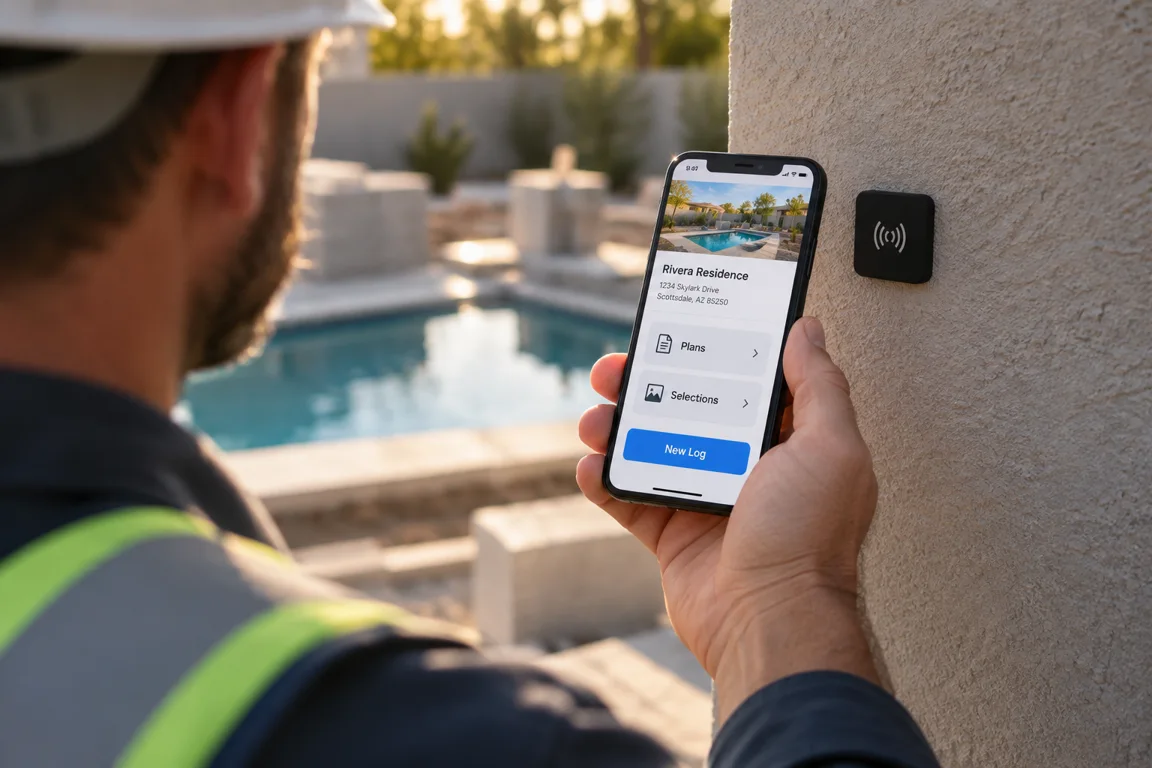
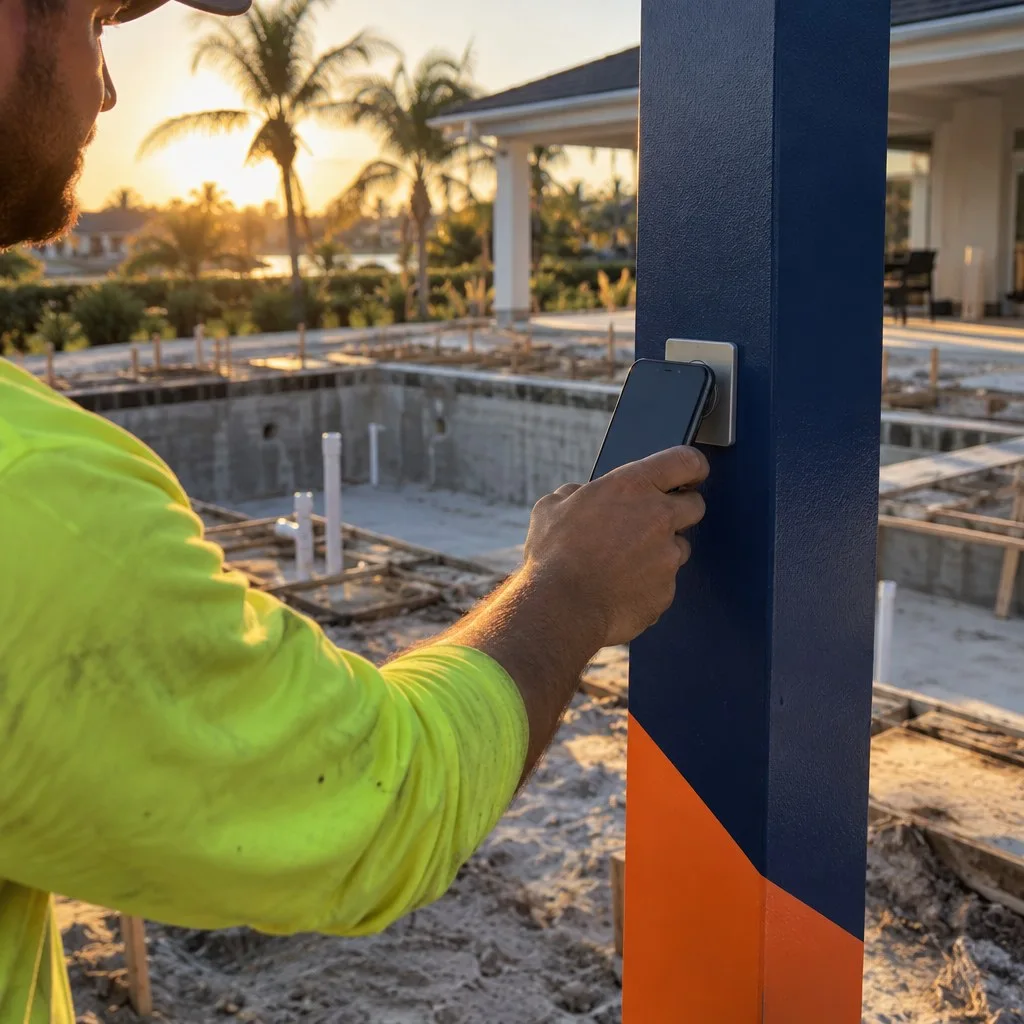
NFC job tags close that gap. A crew member holds a phone to a tag at the job site and the job opens right there: address, customer contact, plans, selections, and a one-tap way to log what happened.
What Is an NFC Job Tag?
NFC (near-field communication) is the same technology behind tap-to-pay. A small tag, no battery needed, stores a link. When a phone is held close to it, the phone opens that link. No app hunting, no QR code to line up, no typing in an address.
In BidBuild, you link a tag to a job. From then on, tapping it opens that job on the phone of anyone with access.
How It Works in Three Steps
- 01
Mount the tag. Put it on a post, a gate, a temporary panel or the wall near the work area. It is made to stay at the site for the life of the job.
- 02
Link it to the job. In BidBuild, connect the tag to the job once.
- 03
Tap. Anyone with permission holds their phone to it and lands on the right job.
Why It Saves Time
No more hunting for information. Plans, selections, the property address and the customer's contact details are one tap away, always the current version in BidBuild. Nobody works from an outdated PDF in a text thread.
Logs get written when the work happens. The most common reason a job log is missing is that writing it means finding the job in an app first. When the tap does that step for you, logging takes seconds, and photos and notes land on the right job automatically.
Fewer calls to the office. The questions that used to interrupt a project manager or an office admin ("what's the gate code, which tile did they pick, where's the equipment pad?") get answered on site.
Why It Keeps You Organized
- A site record you didn't have to chase. Each tap shows who was at the job and when, so you stop chasing check-ins.
- One source of truth. Plans, selections and contact info live in BidBuild, not in a truck, an inbox and three group chats.
- Access you control. Team members with permission get in directly. Subcontractors can use a 4-digit PIN to view plans and selections. Inspectors can reach the project easily at the site.
Use Cases
The pool dig day
The excavator crew arrives before the project manager. They tap the post tag and see the plans, the property address and the customer contact. They confirm the shell layout and log a photo of the finished dig. The PM sees it all before lunch.
The subcontractor who has never been to the job
The plumber and electrician are new to this site. Instead of a text chain, they tap the tag, enter a PIN and see the plans and selections they need. No office call, no wrong version.
Inspection day
The inspector shows up and the superintendent is across town. The inspector taps the tag and views the project right there. The permit paperwork and plans are on hand, and the inspection doesn't get rescheduled.
Daily crew check-in and clock-in
A landscaping crew taps in when they arrive and logs a quick progress note and photo before they leave. The office sees who was on site and what got done without a single phone call.
Selections and change questions at the site
A customer asks, "Which paver color did we choose?" The foreman taps the tag and opens the selections on the spot. If something changes, he logs it right away so it can become a documented change order instead of a verbal promise.
After the build: the equipment panel tag
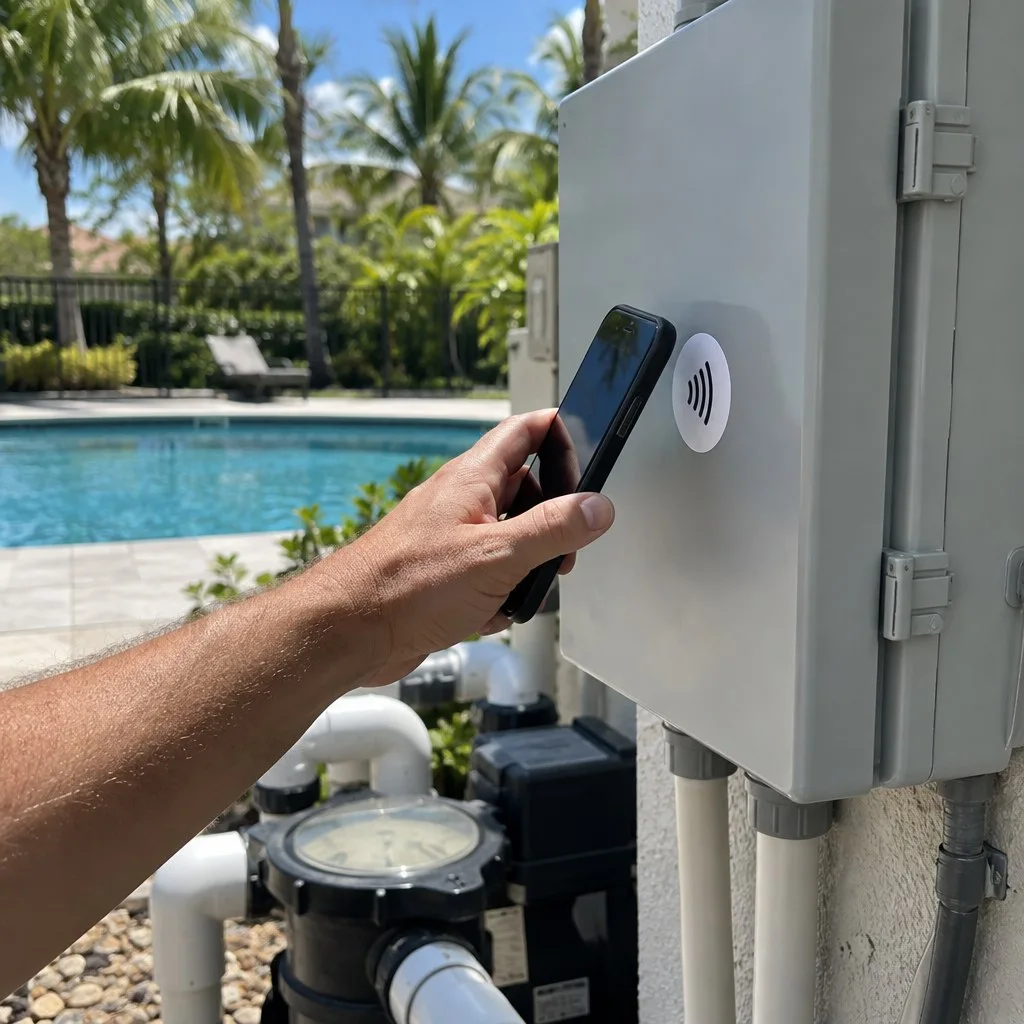
Put a tag on the pool equipment panel when the job wraps up. The homeowner taps it to reach their BidBuild Connect page: installed equipment, support and service requests. It turns a finished job into a service relationship.
Material drops and deliveries
Suppliers tap the tag to see the delivery instructions and the address, and the crew logs what arrived. A short delivery log with a photo makes billing and disputes easier to settle later.
Getting Started
- Order or set aside a few NFC tags per active job.
- Link each tag to its job in BidBuild.
- Show your crew once. The whole training is "hold your phone here."
- Add PINs for subcontractors who need to see plans.
If your crew already uses BidBuild, you are ready to try it. Start with one active job, watch how often the tag gets tapped, and expand from there.
Ready to see it? Start free at bidbuild.app and link your first job tag.