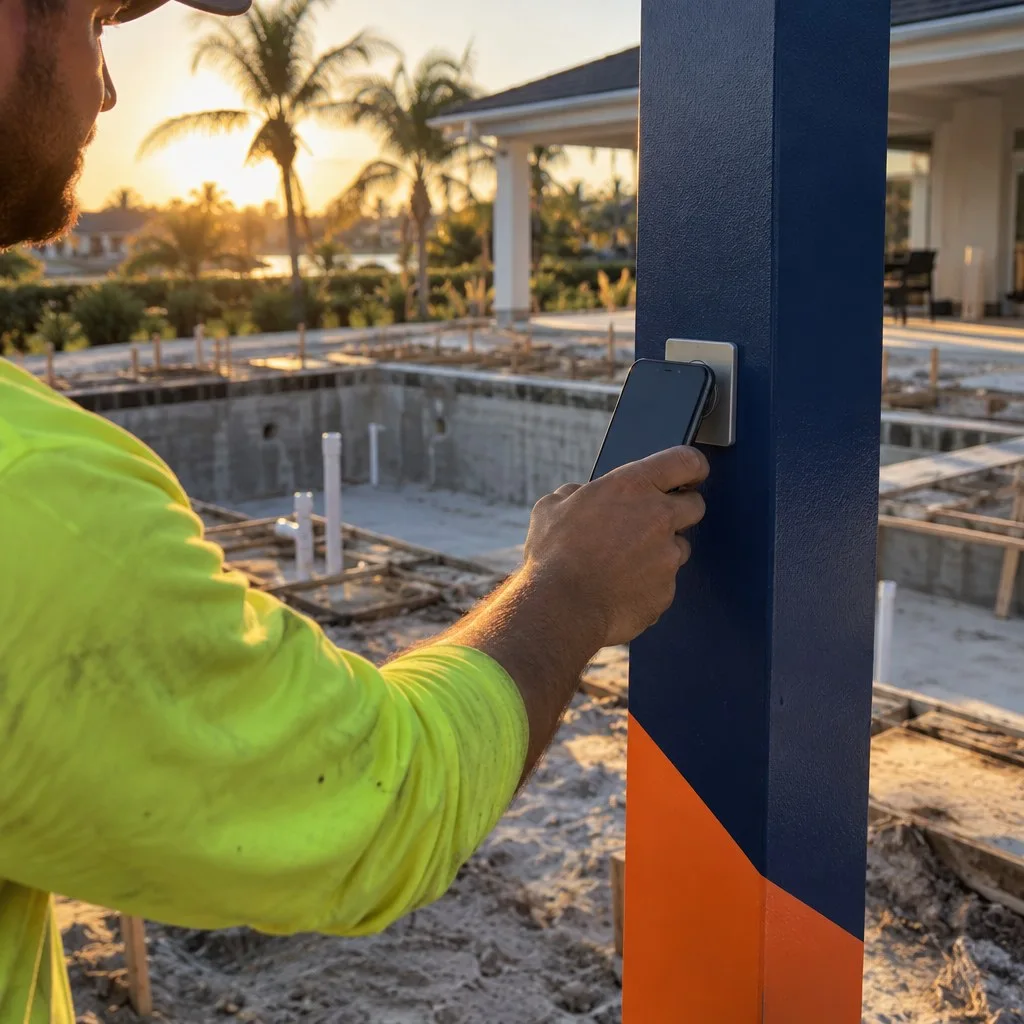
Job Site Tag
Mount it on a post at the job site. Crew members with access tap to open that job: contact, primary agent, address, Log activity and Plan activity.
Platform · Tools
Put a BidBuild NFC tag on the job site or on the equipment panel. Your crew taps to open the job and log activity. Your client taps to see installed equipment, get support and request service.
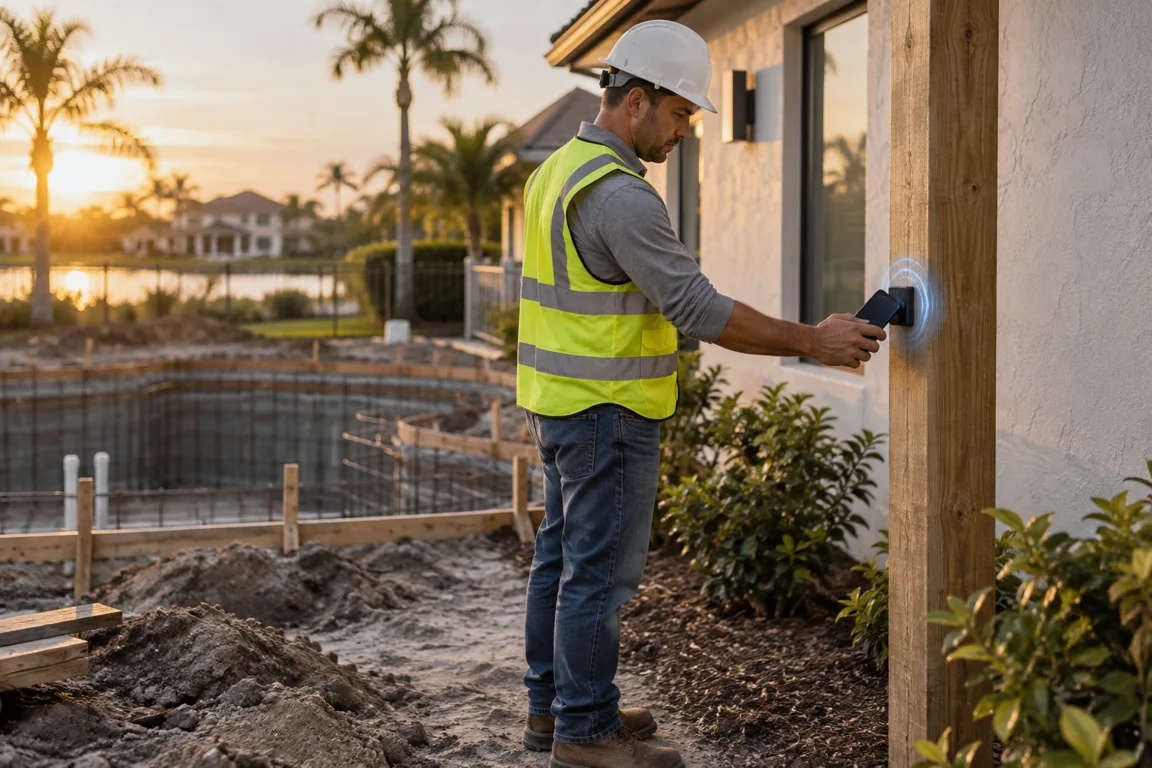
Mount it on a post at the job site. Crew members with access tap to open that job: contact, primary agent, address, Log activity and Plan activity.
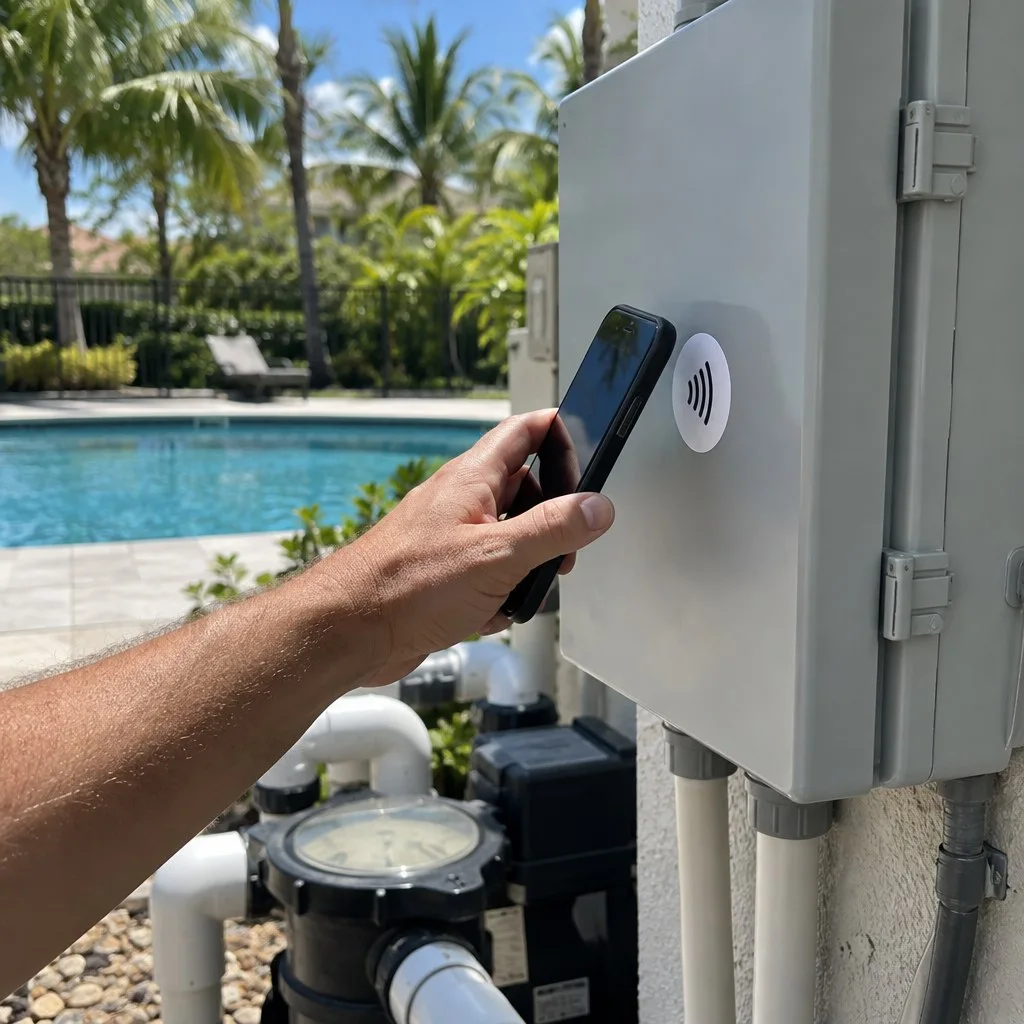
Place it on the equipment panel at close-out. Homeowners tap to open their BidBuild Connect page for installed equipment, support and a service request.
Mount the tag on the job post.
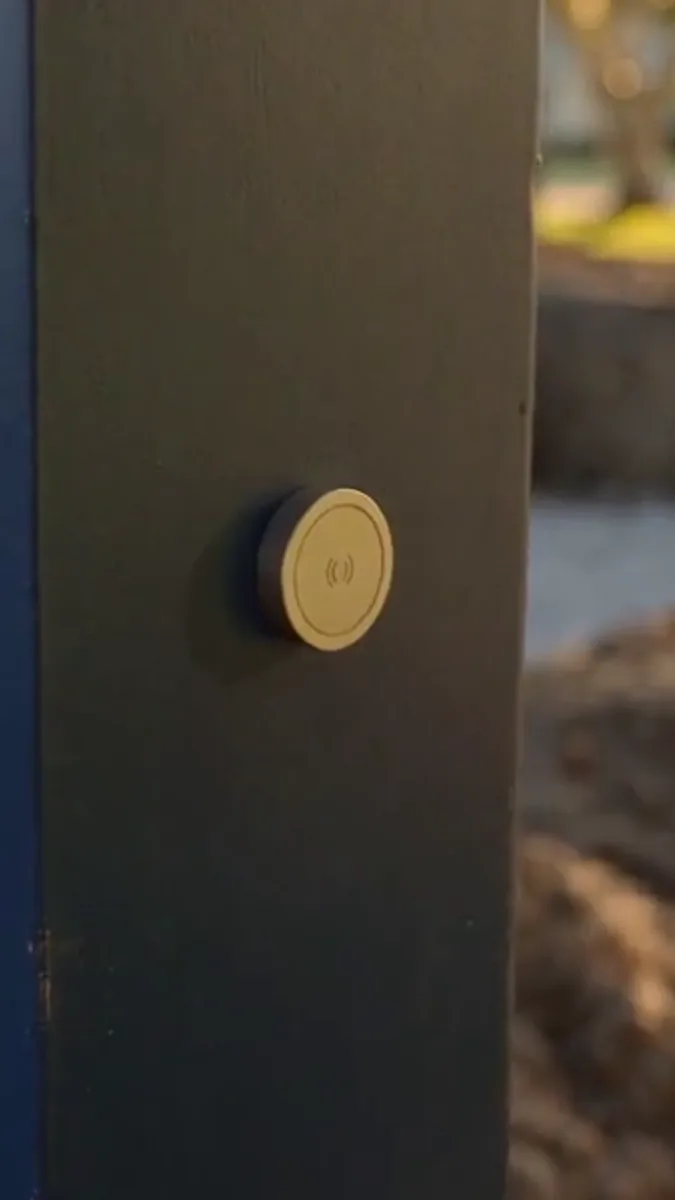
Tap with your phone: hold the top of the phone near the tag.
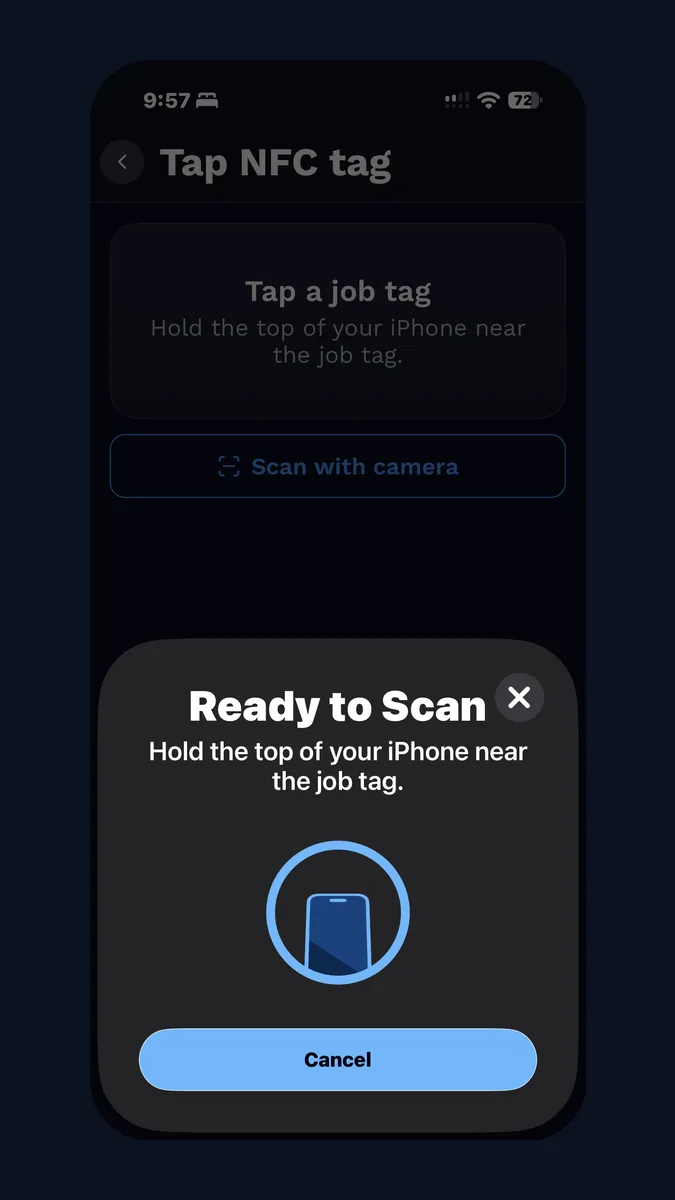
The job opens in BidBuild. Sign in if asked.
Log activity, plan activity or check the job details on the spot.
Place the tag on the outside of the equipment panel, out of direct sun and spray. Add a QR sticker as backup.
Link it to the job so installed products appear.
Show the homeowner once: "hold your phone here."
Requests land in your Service Requests queue, get assigned and tracked to done.
Crews tap on arrival to open the right job. They log what was done without searching for the record.
A driver or subcontractor with access taps to see the address, contact and notes. Keep handoff details connected to the job instead of a text chain.
The project manager taps to open the job during a site walk. Photos and to-dos stay with the work while the details are fresh.
A tech taps the panel to see equipment, model and install date on site. Request details also help the tech prepare before arriving.
A client requests service with photos at any hour. The request arrives in your queue for the team to review and assign.
The tag becomes the homeowner's permanent door to their equipment and support. Your company stays connected after the build is done.
Open the job where the work happens instead of hunting through records.
Log activity from the job the tag opens, keeping photos and notes together.
Find the address, contacts and job details at the site.
Keep authorized site taps and job activity connected to the project.
Related reading
NFC Job Tags: How a Single Tap Saves Contractors Hours Every Week